
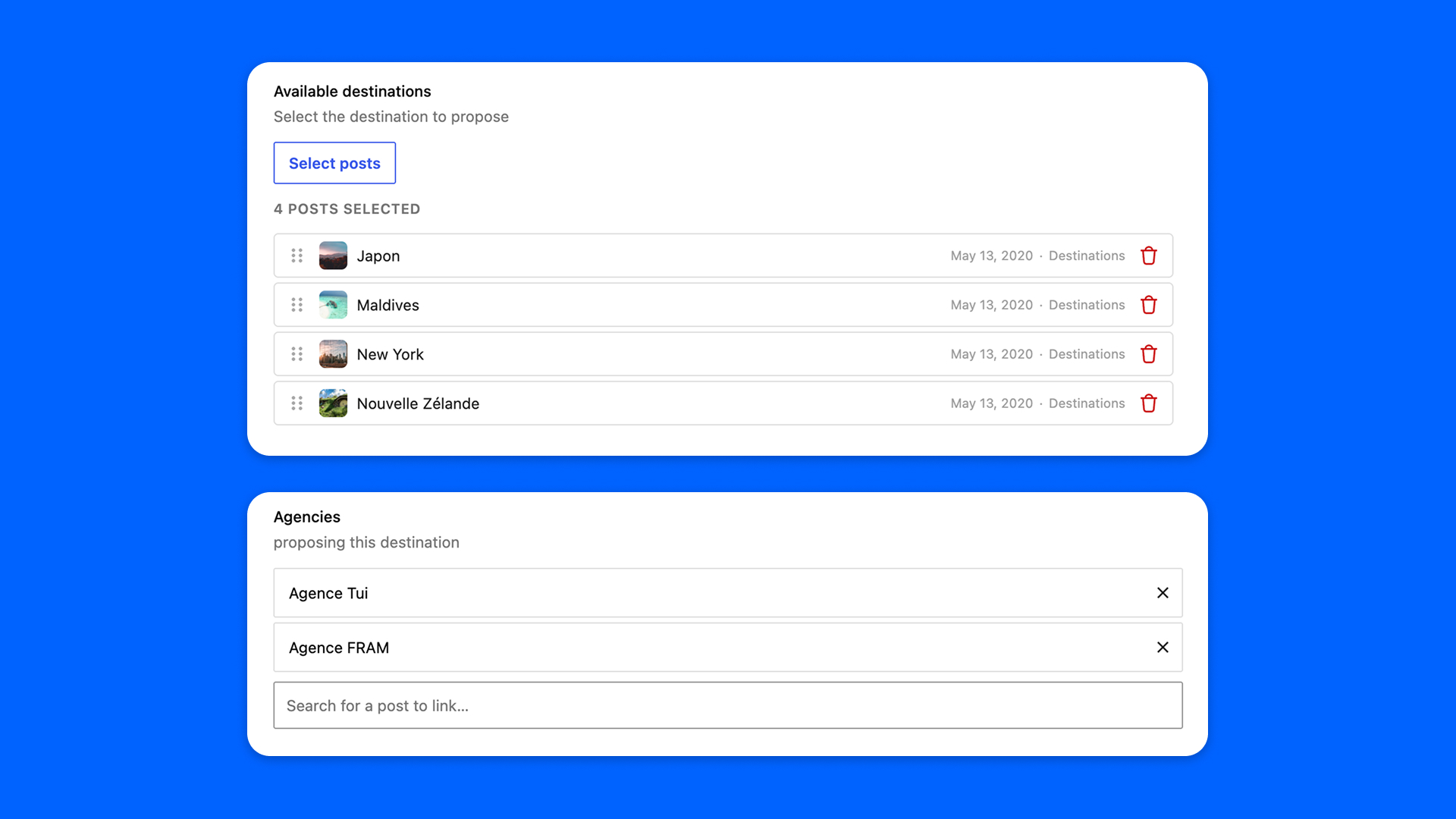
A Post Reference field, or a Relation field with Modern Fields Pro, points from one post to others: an agency selects the destinations it sells. The Reverse Relation field sits at the other end. Placed on the destinations, it lists the agencies pointing at each one, and links or unlinks them from there.
It keeps no value of its own: there is one relation, held by the source field, and the Reverse Relation field shows it from the other side. Linking an agency from a destination writes that agency’s own field.
Configuration
Go to Modern Fields > Fields groups, open the group placed on the posts being pointed at (the destinations), and add the Reverse Relation field. It has one setting, in the inspector:
| Effect | |
|---|---|
| Source field | The Post Reference or Relation field whose links this field lists and edits. Only the fields allowed to point at this group’s post type are offered. Fields inside a repeater are greyed out: their value is stored in the repeater’s row, not on the post. |
Choosing the source is all it takes. Once the group is published, the source field keeps track of the posts it points at, with nothing to change in its own group. The links saved before are recorded in the background, through WP-Cron, 100 posts at a time.
What can be linked is decided by the source field: the post types it may point at, the statuses it searches, and the limit of a Relation field.
A few rules, which the field group editor reminds you of:
- The field works on posts, pages and custom post types only.
- It cannot go inside a repeater, and its source cannot be inside one either.
- One Reverse Relation field per source field and post type: if a second one shows the same source on the same posts, only the first one placed answers there.
Link and unlink posts
On a destination, the field lists the agencies pointing at it, each with an Unlink button. The Link a post search finds the posts holding the source field. A post that cannot be picked says why: you cannot edit it, or its Relation field already holds as many posts as it may. A post whose Post Reference field points elsewhere can be picked: the search says it moves here, since a Post Reference holds one post only.
Changes are written when you save the post, and only to the posts you may edit, through a source field open to one of your roles.
Display the linked posts
get_field() on the name of the Reverse Relation field returns the IDs of the posts pointing here, in the order the links were recorded. So does get_post_meta(): a template written for ACF, where the other side was a real field, keeps working.
modern_fields_get_linked_posts() reads the same list from the name of the source field, from any template:
No row is stored under the name of a Reverse Relation field, so a meta_query on it finds nothing. Query the key where the links are recorded instead, mf_linked_from_ followed by the name of the source field, one row per post pointing here:
The modern-fields/bidirectional/meta_key filter changes that key: see Hooks: Actions & Filters.
Check and repair the links
The links are kept in step as values are saved. Values written around WordPress (SQL, a database restored from a backup, a site where WP-Cron does not run) can leave them behind. Two WP-CLI commands check them and repair them:
Their options and their report are described in the WP-CLI documentation.