
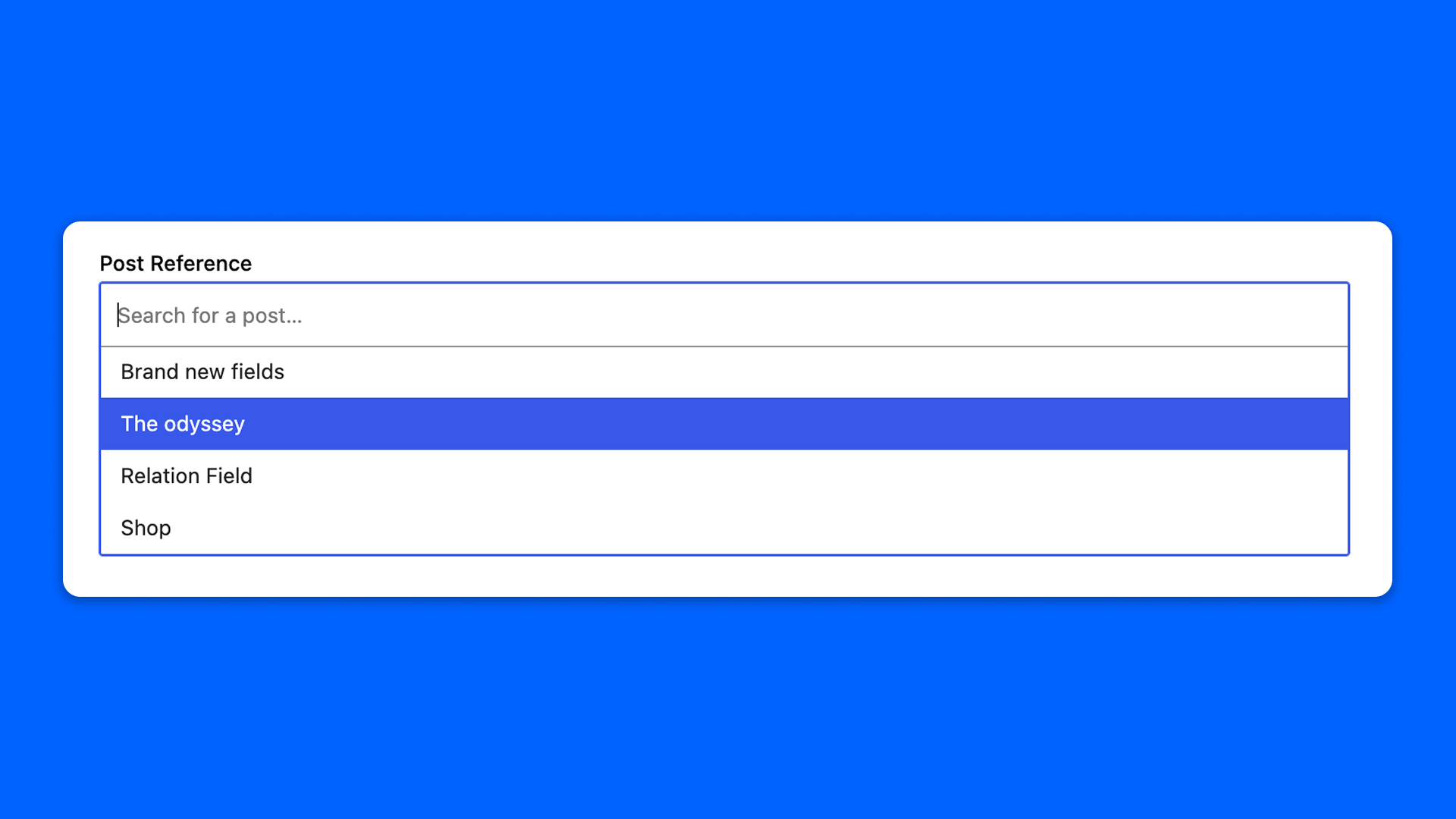
The Post Reference field points to one post, page or custom post type entry, picked in a searchable dropdown.
To select several posts and order them, use the Relation field of Modern Fields Pro.
Configuration
Go to Modern Fields > Fields groups and add the Post Reference field. Its settings are in the inspector:
| Effect | |
|---|---|
| Searchable post types | The post types the search looks into. |
| Searchable statuses | The publication statuses the search looks into. |
| Bidirectional | Records the reverse relation, so the selected post knows which posts point at it. |
Display the post
The field stores the ID of the selected post. Read it with get_field():
PHP
Read the relation backwards
With Record the reverse relation turned on in the Bidirectional panel, a post can be asked which posts point at it. Pass the name of the field to modern_fields_get_linked_posts(): it returns post IDs for the current post, or for the post given as second argument.
PHP
A field that is not bidirectional returns an empty array.