
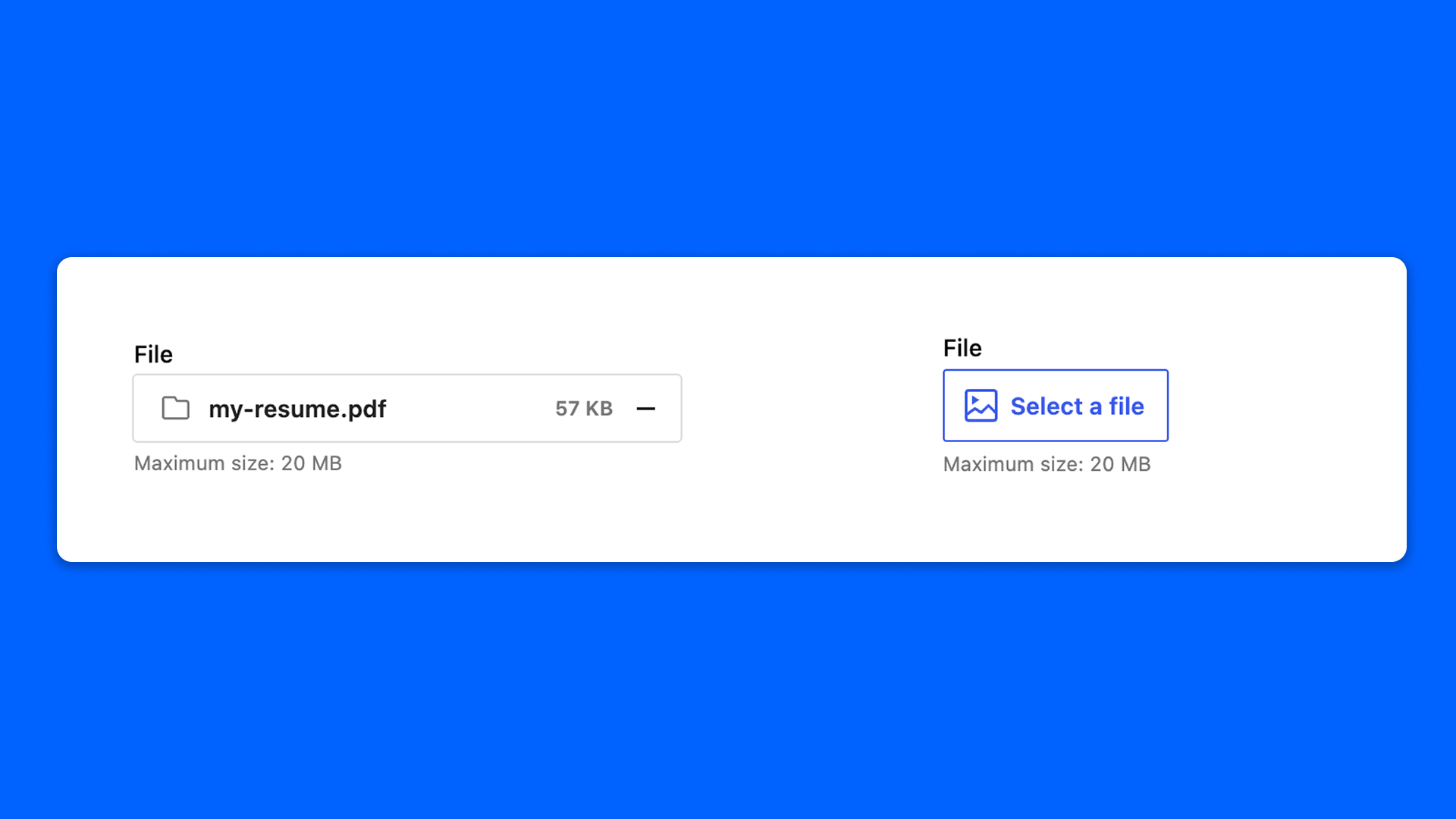
The File field holds a file: import one, or select it from the media library.
Configuration
Go to Modern Fields > Fields groups and add the File field. Its settings are in the inspector:
| Effect | |
|---|---|
| Allowed file type | Restricts the media library to a category: All files, Images, Documents, Audio, Video or Archives. |
| Refine by format | Within the category, only allow the formats you pick. |
| Maximum file size (MB) | The maximum weight of the file. Leave empty to use the server limit, which is shown next to the field. |
Display the file
The field stores the ID of the attachment. Read it with get_field():
PHP
With Modern Fields Pro, the Field value block displays the field as a native File block, without code.