
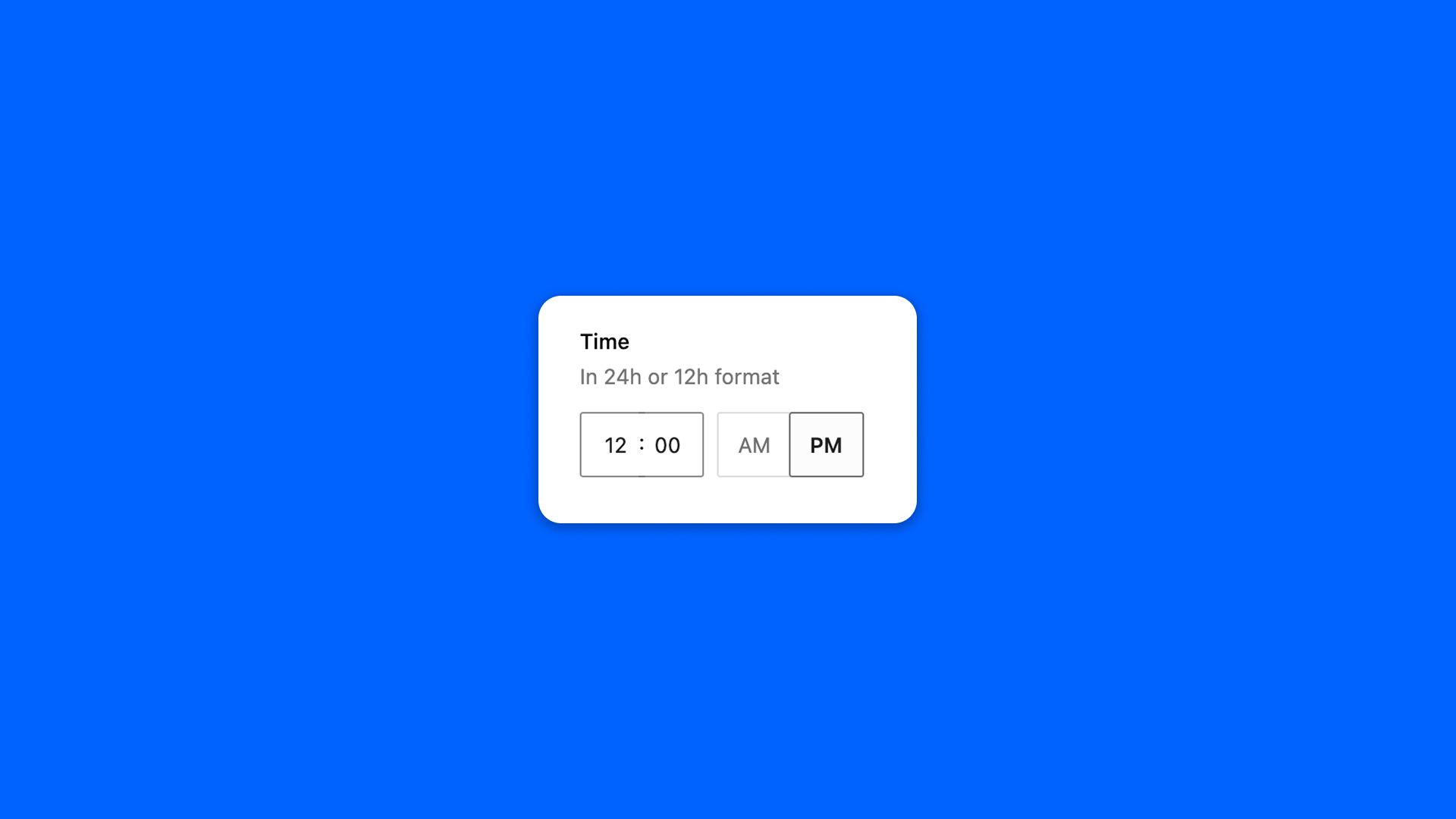
The Time field picks a time of day: an opening hour, the start of an event.
Configuration
Go to Modern Fields > Fields groups and add the Time field. Its settings are in the inspector:
| Effect | |
|---|---|
| 12 hour format | Shows the time in 12 hour format instead of 24. |
The time set on the field in the field group is its default value. A Time field has no default until you set one: Set a time adds it, Clear removes it.
Fill in the field
An empty field shows a Set a time button, which starts from the field’s default, or from 12:00 when it has none. A filled time can be emptied with the Clear button, or put back to the field’s default with Reset when the field has one, in a repeater too.
A field without a default stays empty until someone fills it: a post that never saved the field shows no time.
Display the time
The field stores the time in 24 hour form, such as 14:30, whatever the format shown in the field. Read it with get_field() and format it with the settings of your site: