
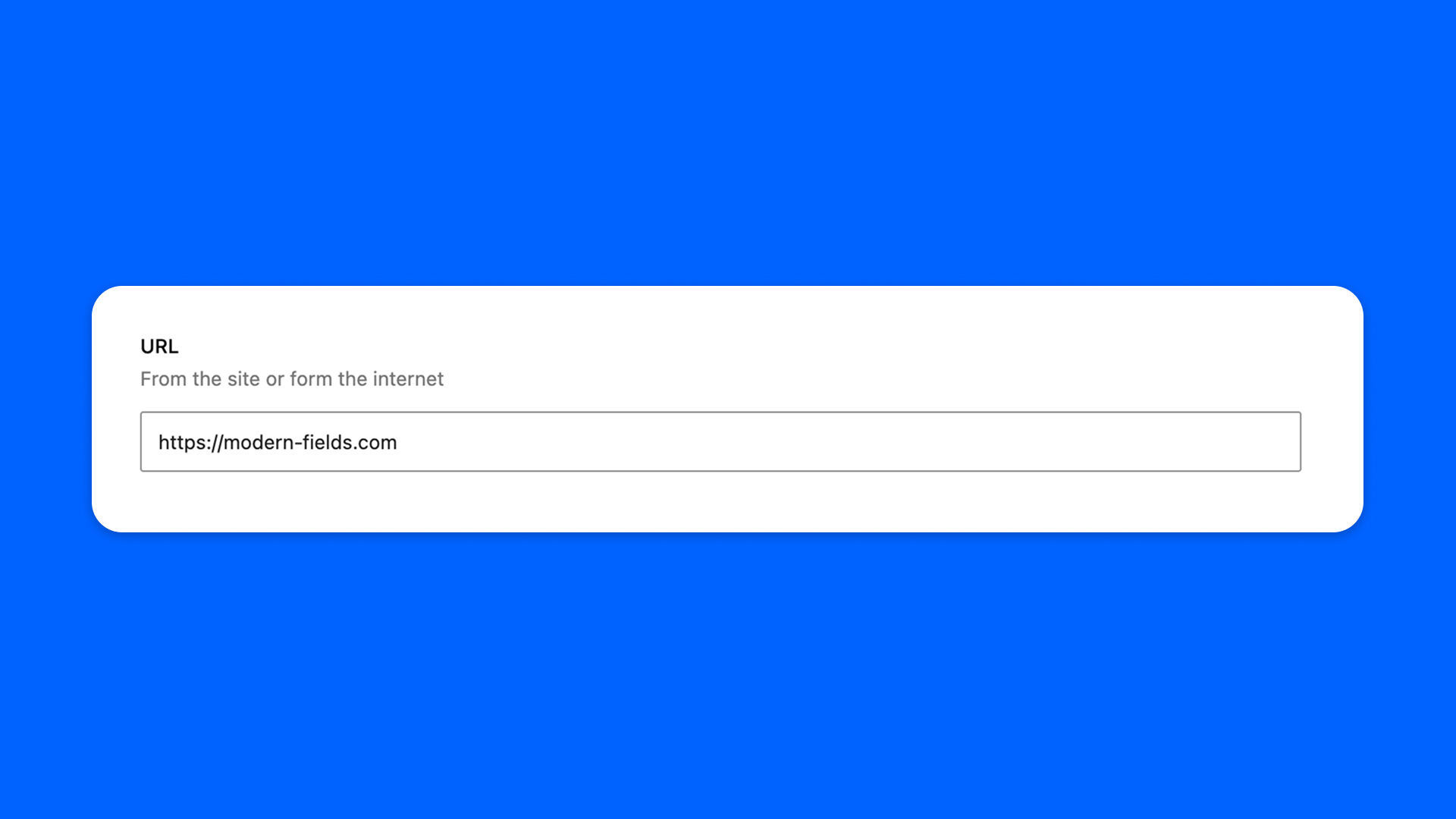
The URL field holds a web address: typed, pasted, or found by searching the content of your site.
It stores the address only. To also store a link text and the choice to open it in a new tab, use the Link field.
Configuration
Go to Modern Fields > Fields groups and add the URL field. Its settings are in the inspector:
| Effect | |
|---|---|
| Placeholder | The hint shown in the empty field. “Paste URL or type to search” by default. |
The address typed in the field, in the field group, is its default value.
Fill in the field
Paste or type an address, or type a few letters of a title and pick the content in the list: the field keeps its URL, nothing else.
The field accepts http, https, mailto and tel addresses, as well as paths on your site, anchors and queries (/contact/, #prices). Any other protocol, such as javascript:, is refused: the field says at once that the address will not be saved. Text that does not look like an address gets a warning under the field once you leave it.
Display the address
The field stores the address as text. Read it with get_field(), and escape it with esc_url() when you print it: