
Without code
Modern Fields provide a block to show any value from your custom fields, so you don’t need code to display informations in your posts and templates.
Just insert the Field value block into your content.

You’ll need to provide the field ID. You can find it in the group field definition, by clicking on your field. The Field ID will appear on the inspector (right sidebar).
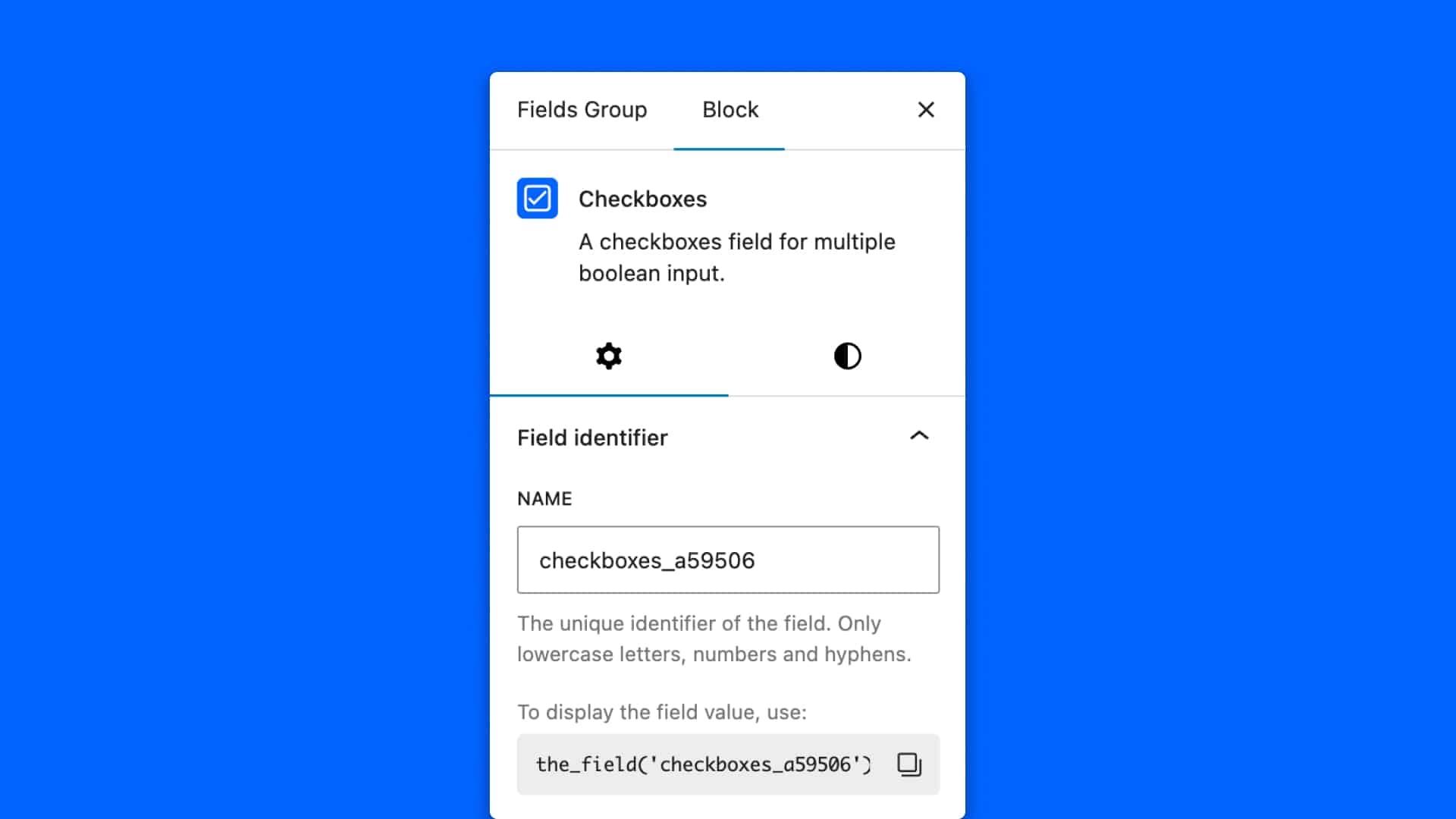
Copy it, and paste it in the Field value block.
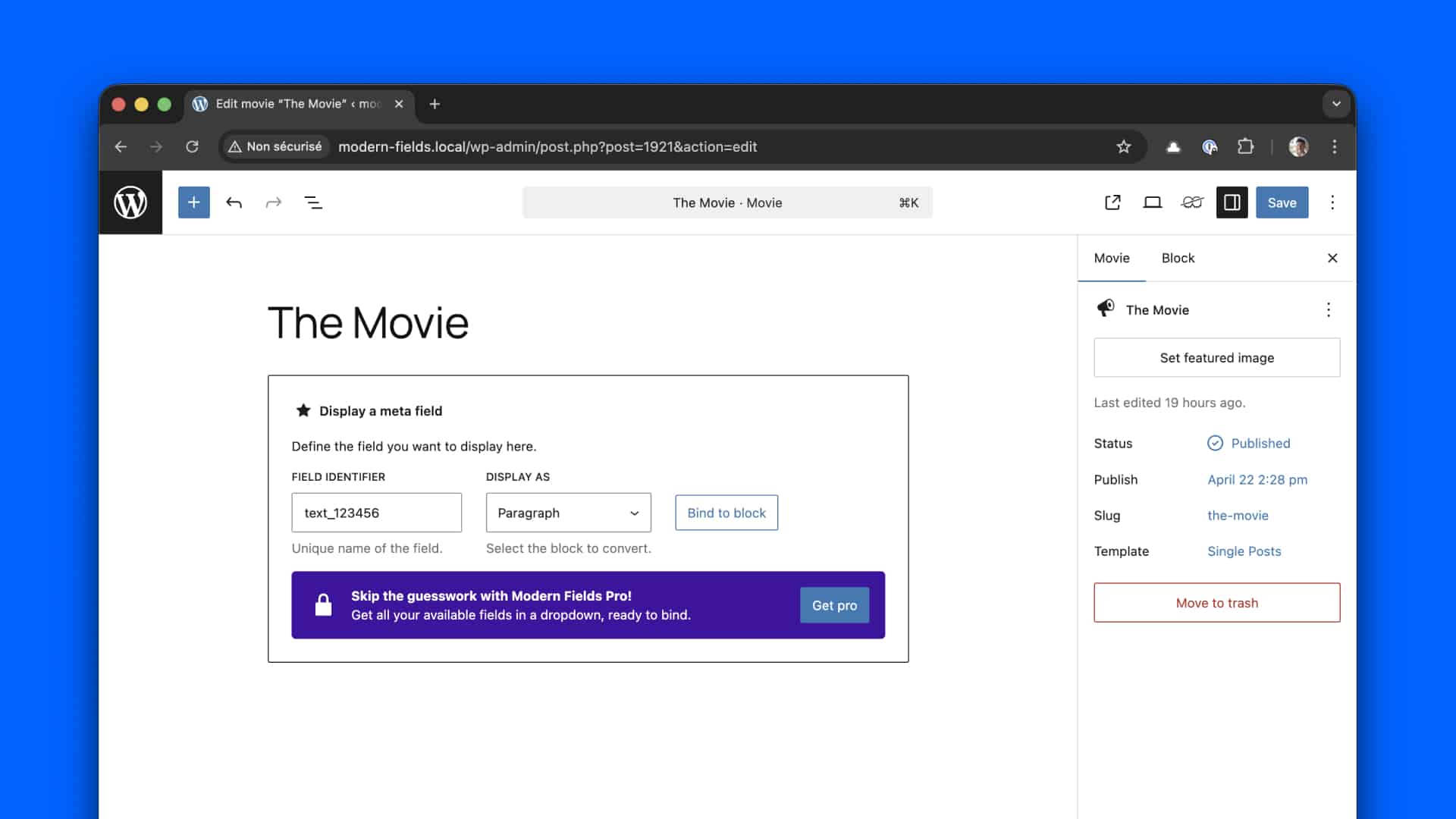
The field is now binded to the meta value and will appear in front end.
Complex values like objects cannot be displayed from this block.
With Modern Fields Premium
The premium version of Modern Fields brings an improved block where you can select available fields values in a dropdown. Several sources are available:
- From the current post
- From the author
- From options pages
You won’t need to copy / paste the field id anymore!

To unlock this block, check our Pro version.
In your PHP templates
Alternatively, you can call the functions the_field() and get_field() to customize and display fields values in your templates.
Take a look at the dedicated documentation in the developer handbook.