
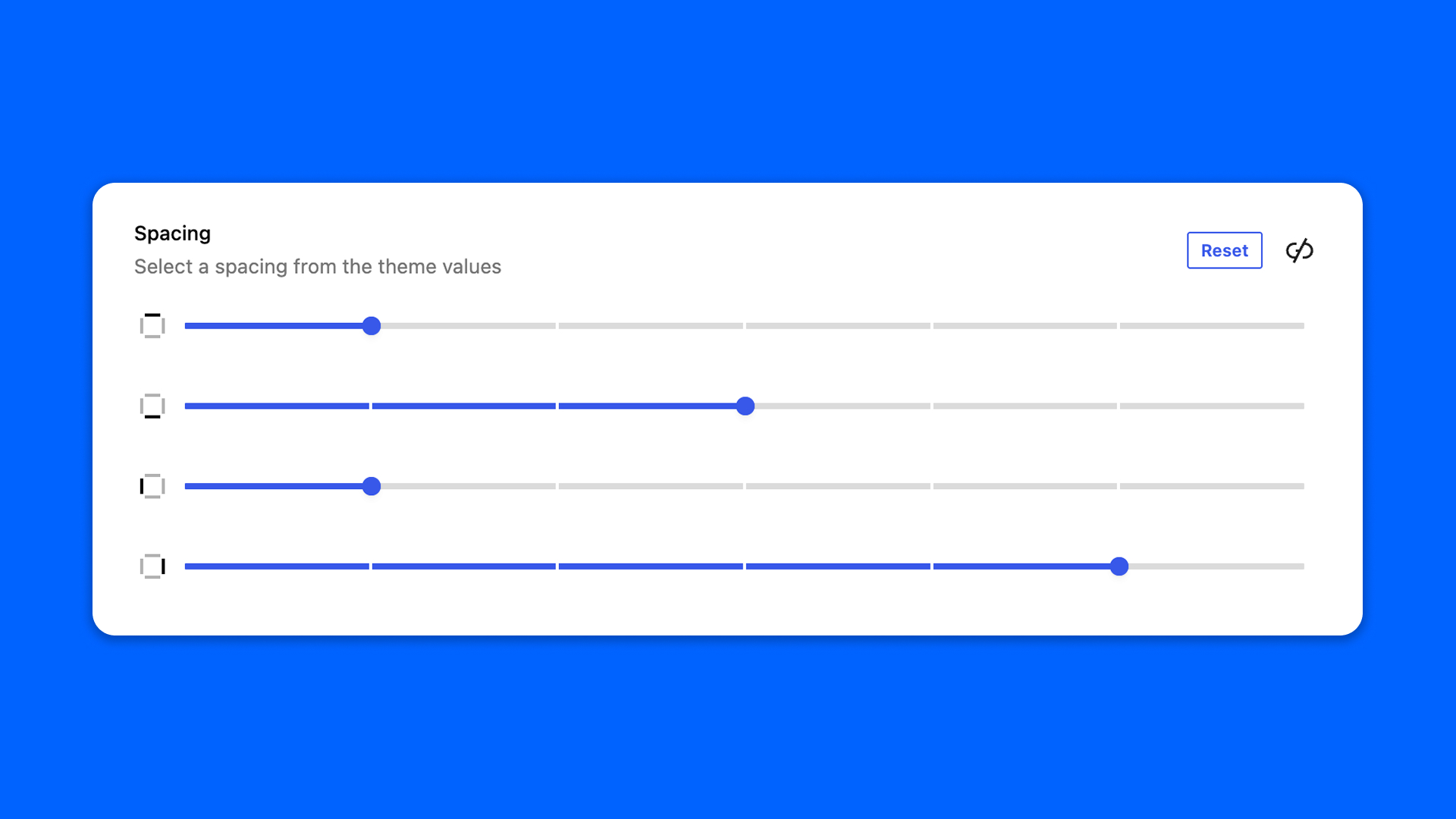
The Spacing field sets a spacing for each side — top, right, bottom, left — like the padding and margin controls of the block editor. It offers the spacing sizes of your theme, read from theme.json.
Configuration
Go to Modern Fields > Fields groups and add the Spacing field. Its settings are in the inspector:
| Effect | |
|---|---|
| Sides | The sides the user can set: Top, Right, Bottom, Left. |
| Show reset button | Adds a button to reset the values. On by default. |
| Allow custom size | Lets the user type a custom size instead of picking one of the theme sizes. |
Display the values
The field stores one value per side, under the keys top, right, bottom and left. Read it with get_field():
PHP