
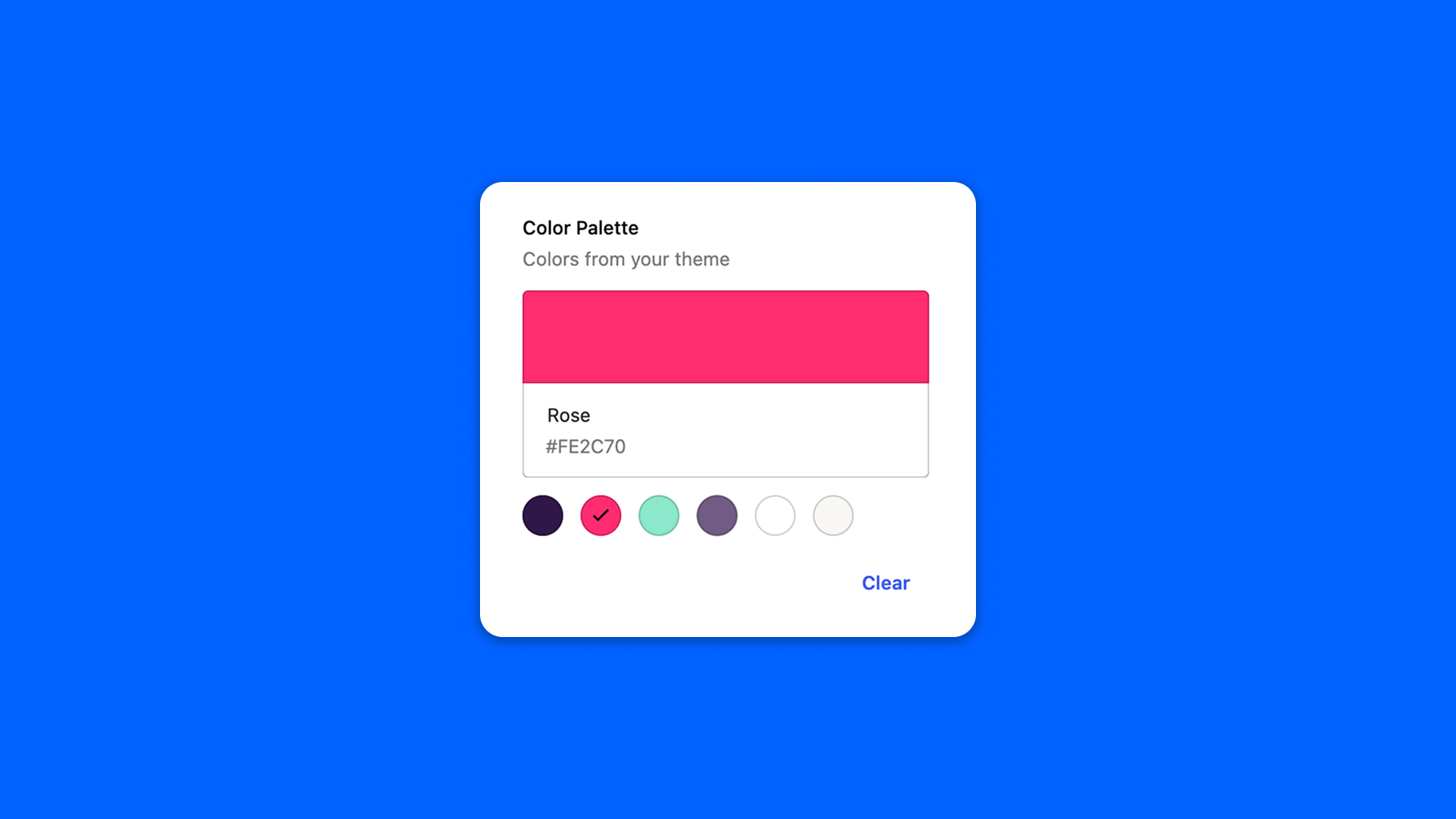
The Color Palette field picks a color in a palette: the colors of your theme by default, read from theme.json, or a palette of your own.
Configuration
Go to Modern Fields > Fields groups and add the Color Palette field. Its settings are in the inspector:
| Effect | |
|---|---|
| Color picker | Also lets the user pick a color outside the palette. |
| Enable opacity | Lets the user set the transparency of a custom color. |
| Show clear button | Adds a button to empty the field. |
| Use custom colors | Replaces the theme colors with the palette you define in Custom palette. |
Display the color
The field stores the color as a CSS value, such as #0000ff. Read it with get_field():
PHP