
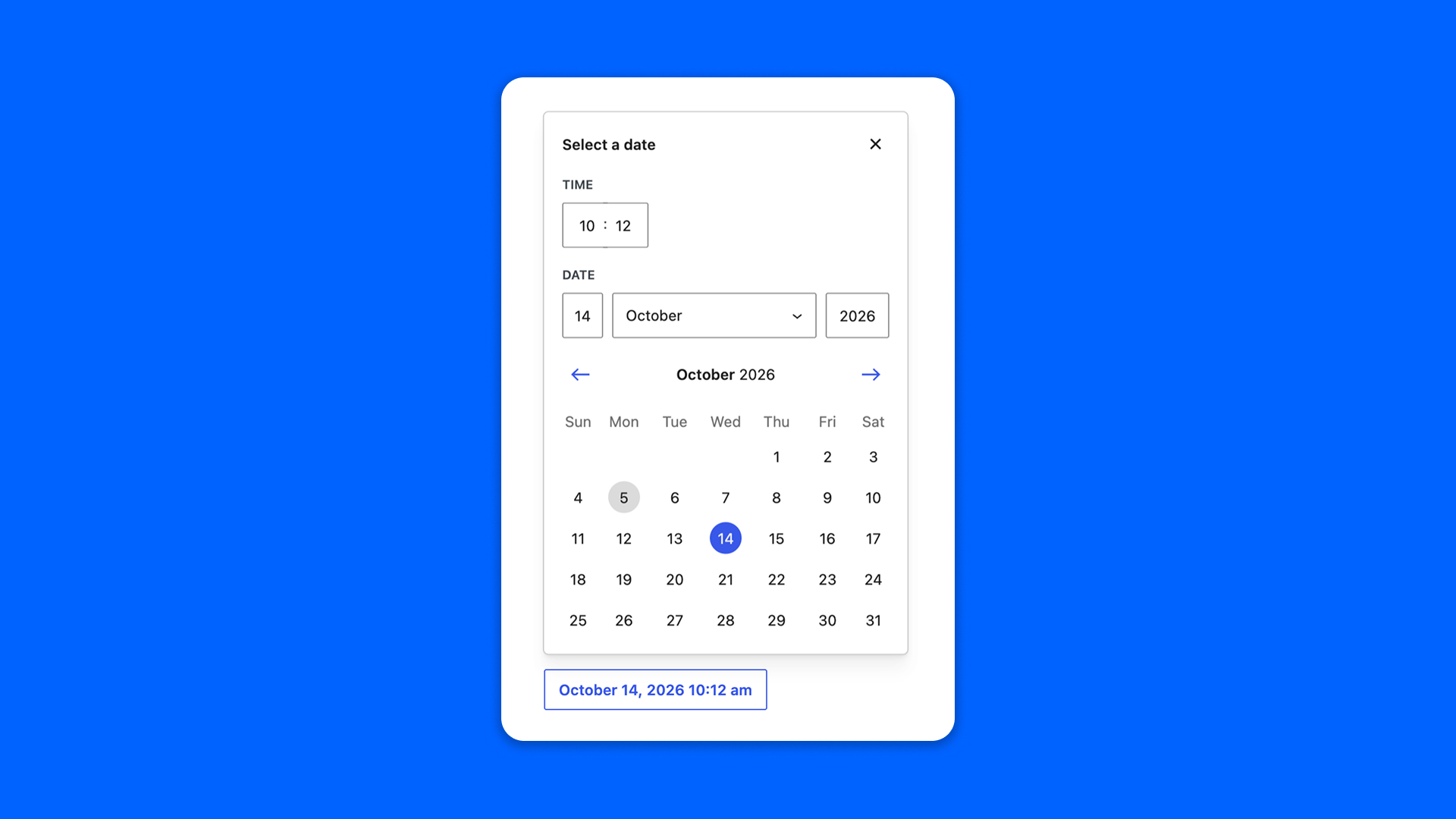
The Date field picks a date, a date and time, or a time only, in a calendar.
Configuration
Go to Modern Fields > Fields groups and add the Date field. Its settings are in the inspector:
| Effect | |
|---|---|
| Format | What the field asks for and how it shows it: Date, Time, Date and time, Date and time (abbreviated), following the formats of your site, or Custom. |
| Custom format | With Custom, the PHP date format used to show the value in the field, such as Y m d. |
| 12 hour format | Shows the time in 12 hour format. |
Display the date
Whatever the format shown in the field, it stores the date in a standard form, such as 2026-05-01T10:00:00. In Time mode, it stores the time only: 14:30. Read it with get_field() and format it with the settings of your site:
PHP
With Modern Fields Pro, date fields can filter and order a Query Loop, for example to list upcoming events: see Query loop filters.