
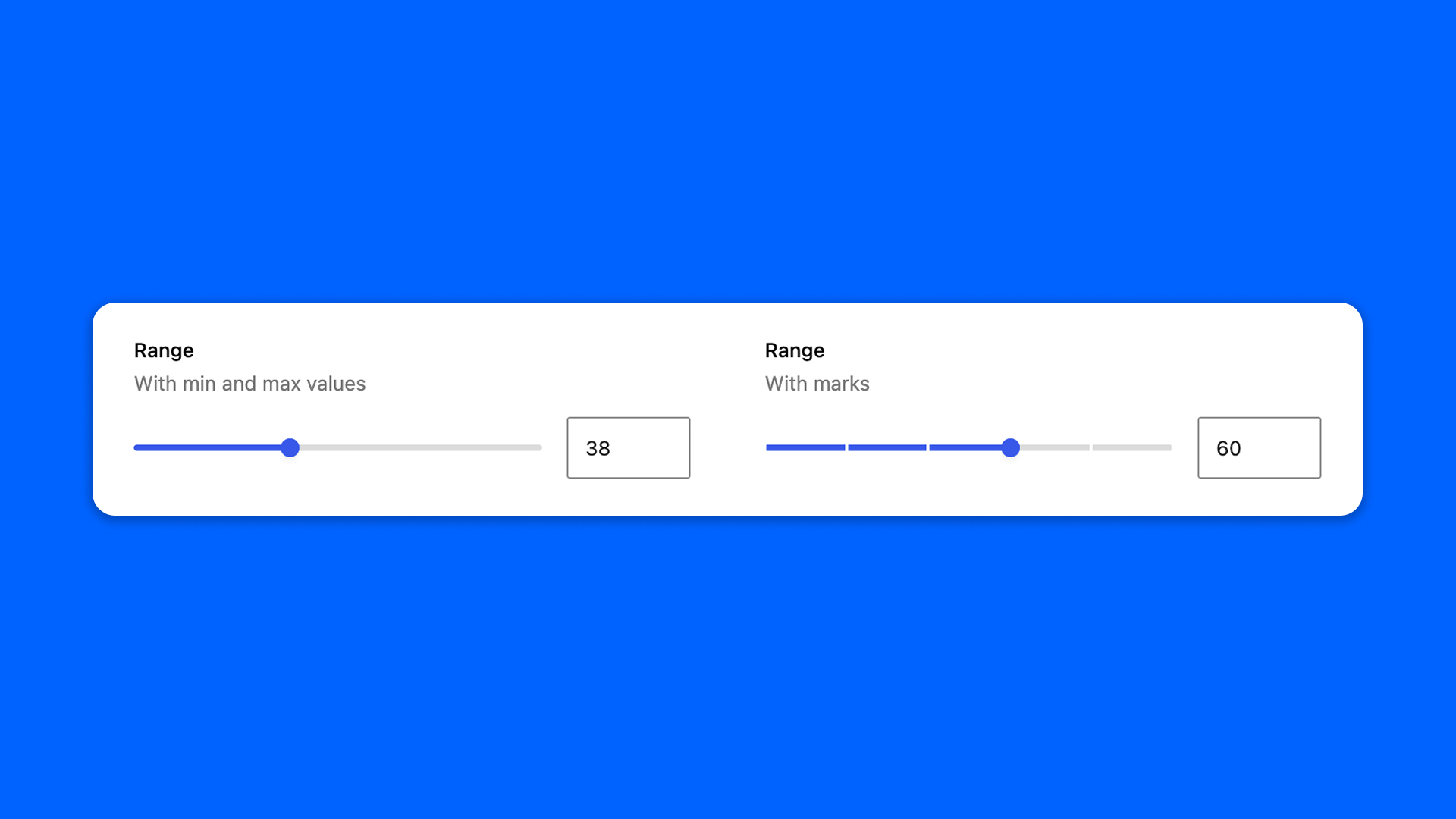
The Range field picks a number by dragging a slider: a percentage, a rating, an opacity.
Configuration
Go to Modern Fields > Fields groups and add the Range field. Its settings are in the inspector:
| Effect | |
|---|---|
| Minimum value | The lowest number of the slider. |
| Maximum value | The highest number of the slider. |
| Step | The increment step of the slider. 1 by default. |
| Show marks | Displays marks along the slider. |
Display the value
The field stores the number. Read it with get_field():
PHP