
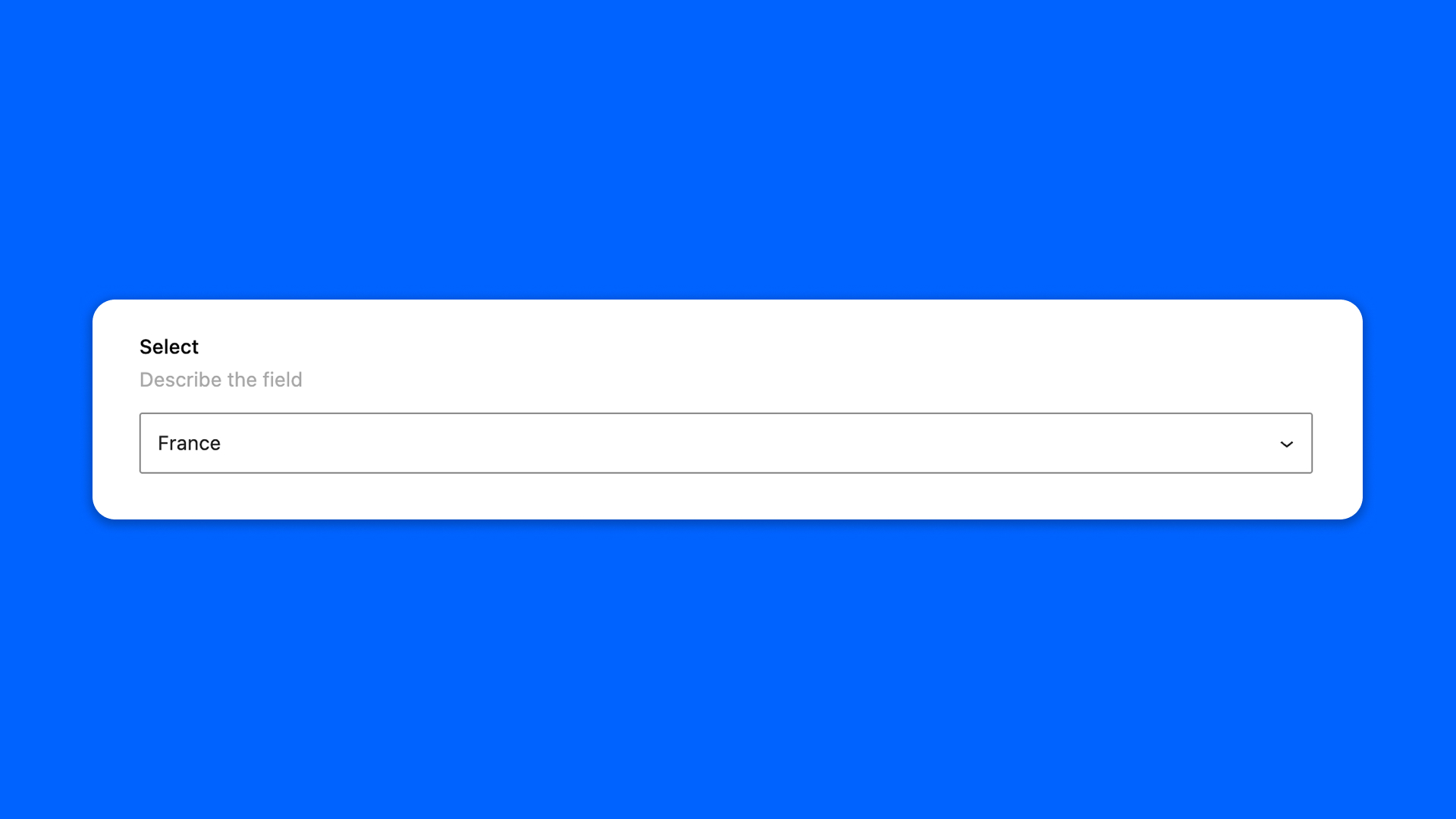
The Select field is a dropdown to pick one option in a list.
Configuration
Go to Modern Fields > Fields groups and add the Select field. Its settings are in the inspector:
| Effect | |
|---|---|
| Display mode | Classic is a regular dropdown. Advanced shows a combobox with a search, handy for long lists. |
| Options | The choices offered. Each option has a label, shown to the user, and a value, which is what the field stores. Each value must be unique: the settings panel flags a missing or duplicated key, and only the first option with a given value is displayed. |
Display the value
The field stores the value of the selected option, not its label. Read it with get_field():
PHP