
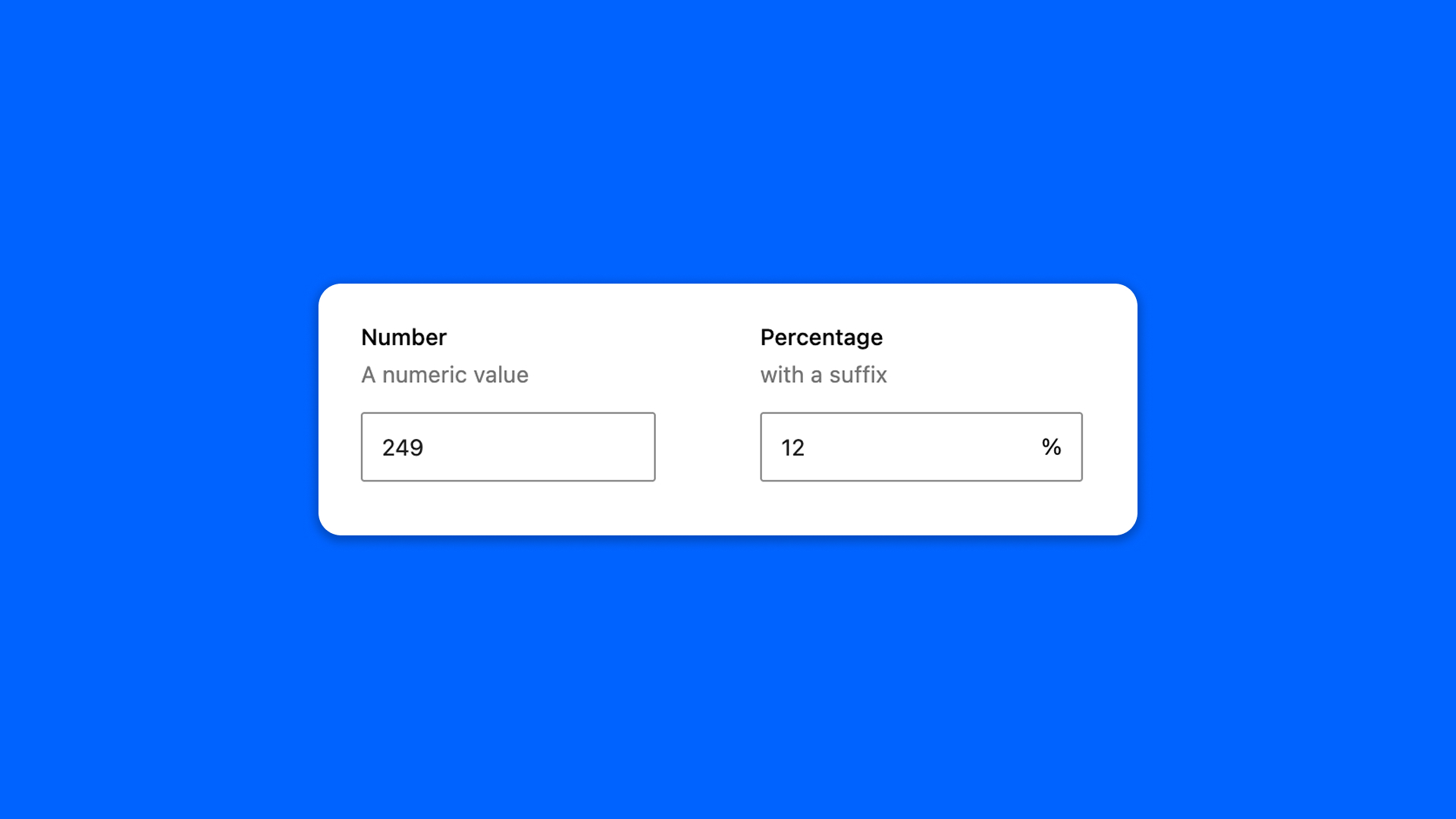
The Number field is a numeric input: a price, a quantity, a score.
Configuration
Go to Modern Fields > Fields groups and add the Number field. Its settings are in the inspector:
| Effect | |
|---|---|
| Minimum value | The lowest number allowed. |
| Maximum value | The highest number allowed. |
| Step | The increment step of the field. 1 by default. |
| Prefix | A text shown before the number in the field, such as a currency. |
| Suffix | A text shown after the number in the field, such as a unit. |
Display the value
The field stores the number only: the prefix and the suffix are there to guide the user, they are not saved. Read the number with get_field():
PHP
With Modern Fields Pro, number fields can filter and order a Query Loop: see Query loop filters.