
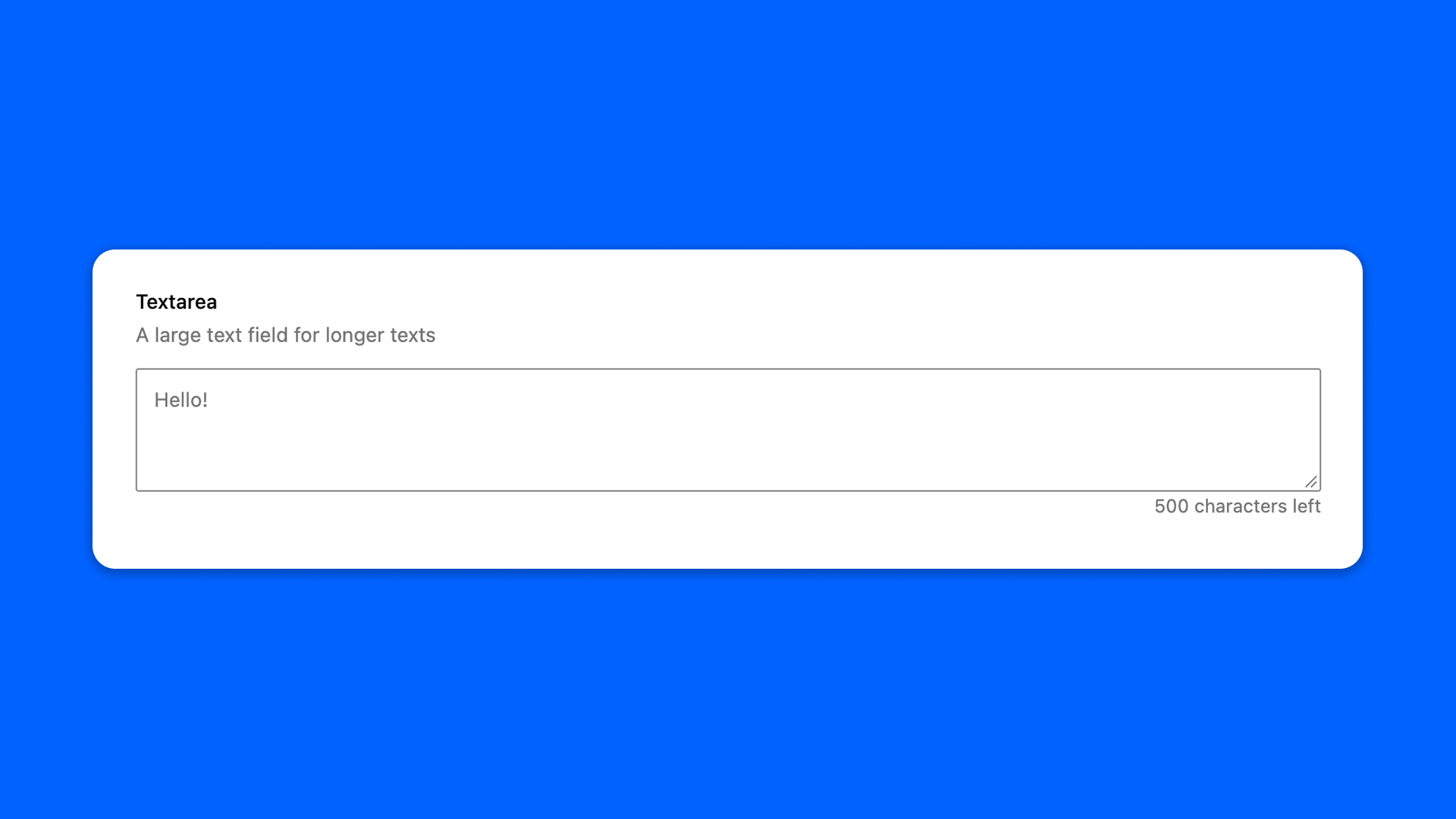
The Textarea field is a multi-line text input for longer, unformatted text: an introduction, an address, a note.
For text with bold or italic, use the Rich Text field instead.
Configuration
Go to Modern Fields > Fields groups and add the Textarea field. Its settings are in the inspector:
| Effect | |
|---|---|
| Placeholder | The hint shown in the empty field. |
| Rows | The height of the field, in lines. 4 by default. |
| Maximum of characters | The maximum number of characters the user can type. |
Display the value
The field stores plain text, line breaks included. Read it with get_field() and turn the line breaks into <br> tags:
PHP