
The Icon field picks an icon from the WordPress icon library, or one uploaded to the media library.

The whole Dashicons set is available, and the icons registered by other plugins show up in the picker with nothing to configure.
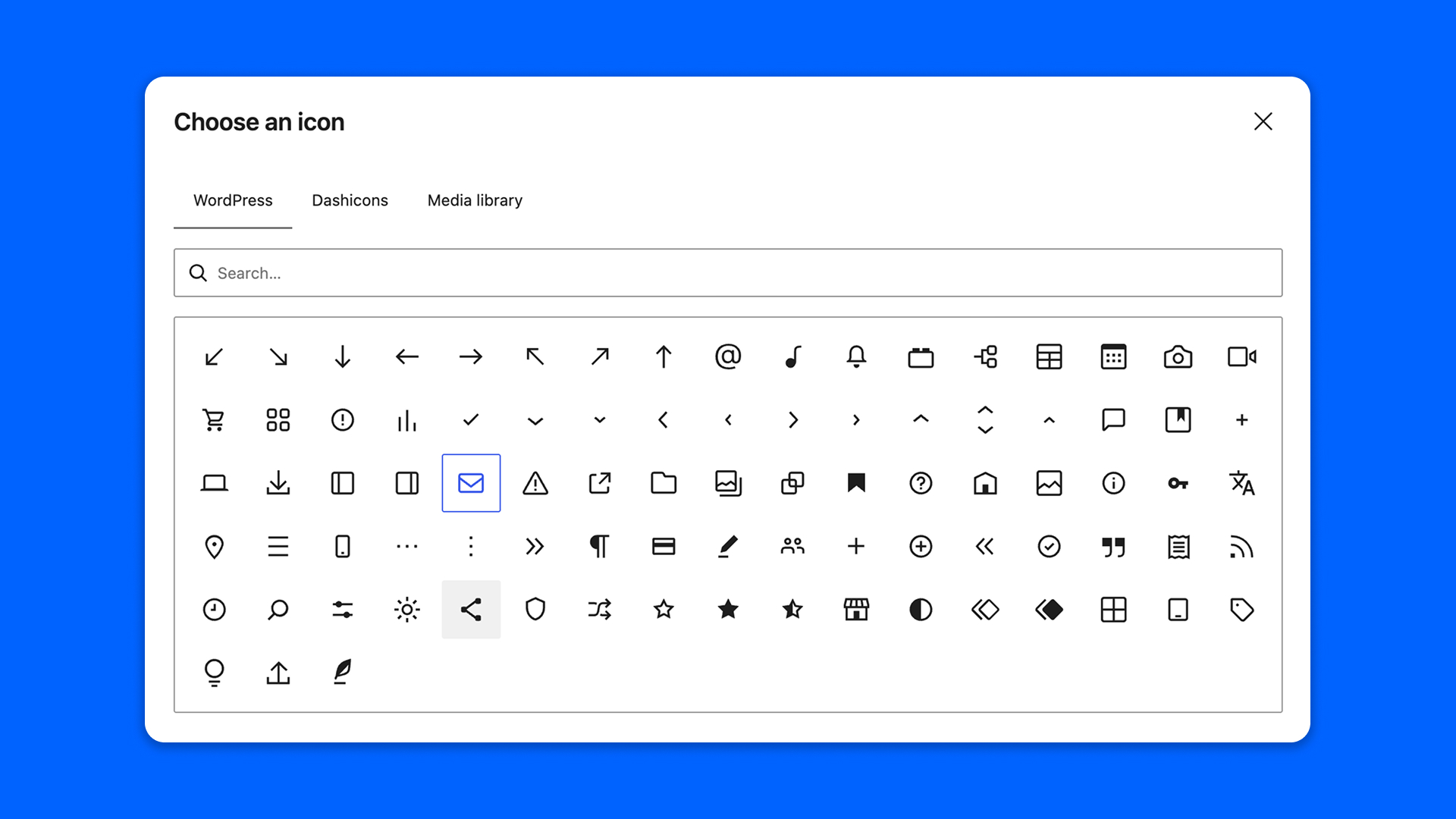
Configuration
Go to Modern Fields > Fields groups and add the Icon field. Its settings are in the inspector:
| Effect | |
|---|---|
| Allow the media library | Adds a tab to pick an image from the media library. Turn it off to only allow registered icons, the ones the native Icon block can display. On by default. |
Display the icon
The field stores the name of the icon, such as core/star-filled, or media/123 for an image of the media library. modern_fields_the_icon() displays the value of get_field(), and modern_fields_get_icon() returns its markup.
PHP
The optional arguments are size, class and alt.
With Modern Fields Pro, the Field value block displays the field as a native Icon block, without code.