
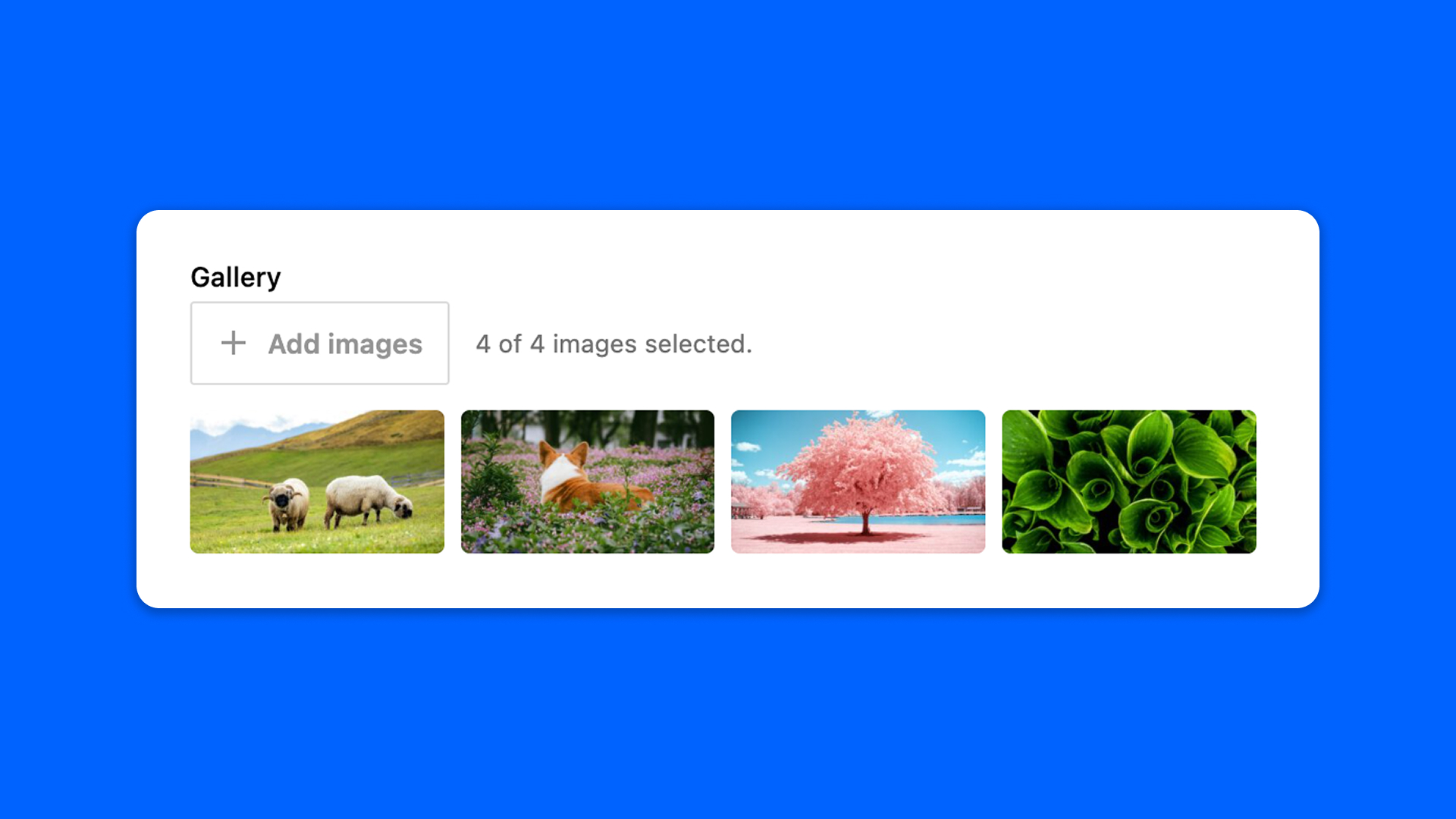
The Gallery field holds several images: pick them at once from the media library, reorder them by dragging the thumbnails, and remove one with the cross that appears over it.
Configuration
Go to Modern Fields > Fields groups and add the Gallery field. Its settings are in the inspector:
| Effect | |
|---|---|
| Minimum images | The minimum number of images expected. |
| Maximum images | The maximum number of images allowed. |
| Preview aspect ratio | Crops the thumbnails shown in the field: Square – 1:1, Standard – 4:3 or Wide – 16:9. |
Display the images
The field stores the IDs of the images, in the order you set. Read them with get_field():
PHP
With Modern Fields Pro, the Field value block displays the field as a native Gallery block, without code.