
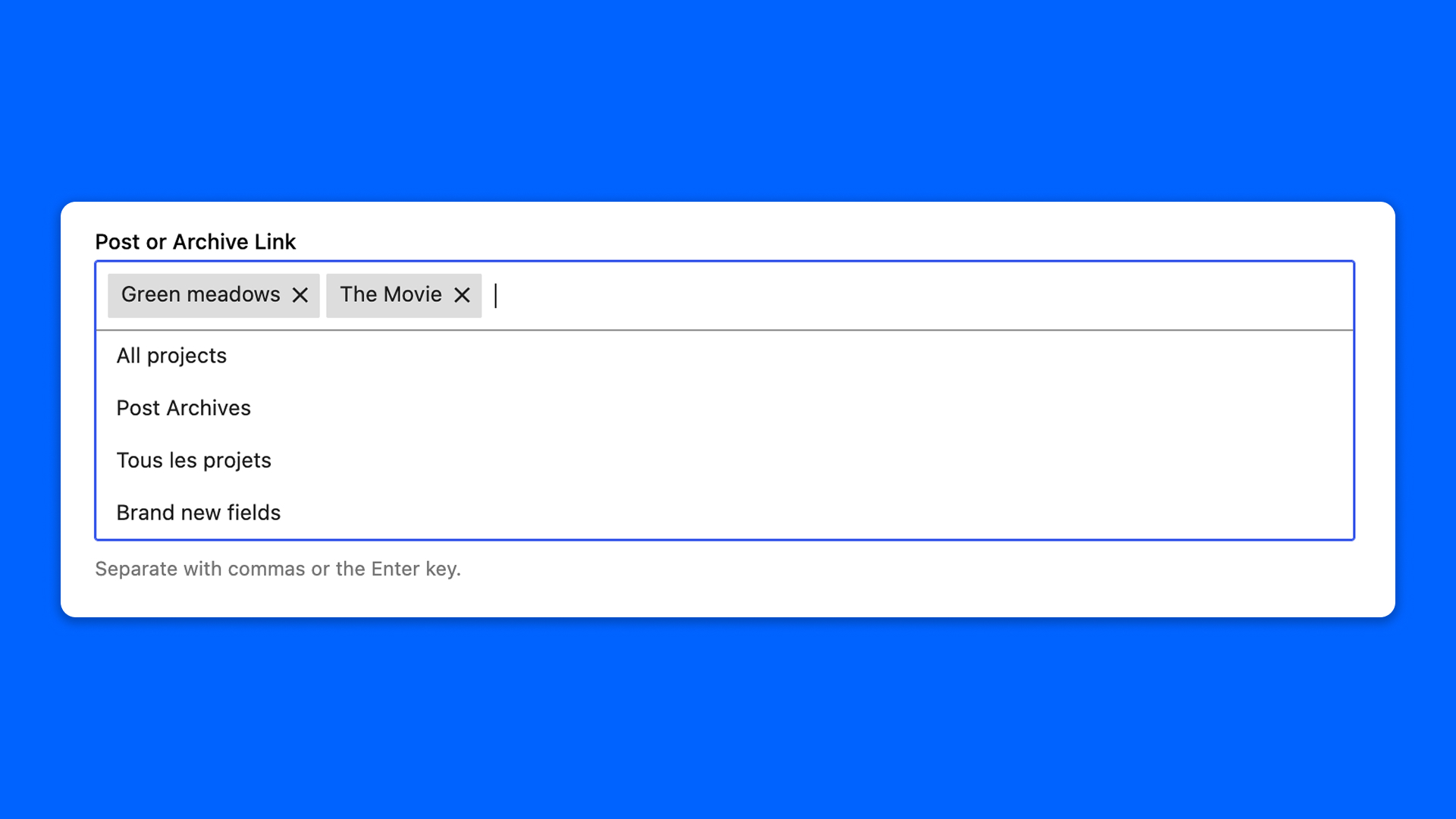
The Post or Archive Link field links to content of your site: a post, a page, a custom post type entry, or the archive of a post type. The destination is always chosen from a list, never typed in.
It stores a reference to the content rather than its URL, so the link survives a slug being changed.
Configuration
Go to Modern Fields > Fields groups and add the Post or Archive Link field. Its settings are in the inspector:
| Effect | |
|---|---|
| Searchable post types | The post types offered in the list. |
| Searchable statuses | The publication statuses offered in the list. |
| Restrict to terms | Only offer the content having these terms. |
| Offer archives | Adds the archive of each post type next to its entries. On by default. |
| Allow several destinations | Turns the field into a multi-select. |
Display the links
modern_fields_get_link() turns the value of get_field() into a link with its url, title and target:
When the field allows several destinations, use modern_fields_get_links():
Both functions leave out what no longer exists, such as a deleted post, instead of returning a link going nowhere.
Without code, the Field value block displays the field as a Button block.