
The Block Editor field puts a miniature block editor inside your field groups: paragraphs, headings, lists, quotes, code and separators, with the blocks you allow and nothing else.
This field is only available in the pro version of Modern Fields.
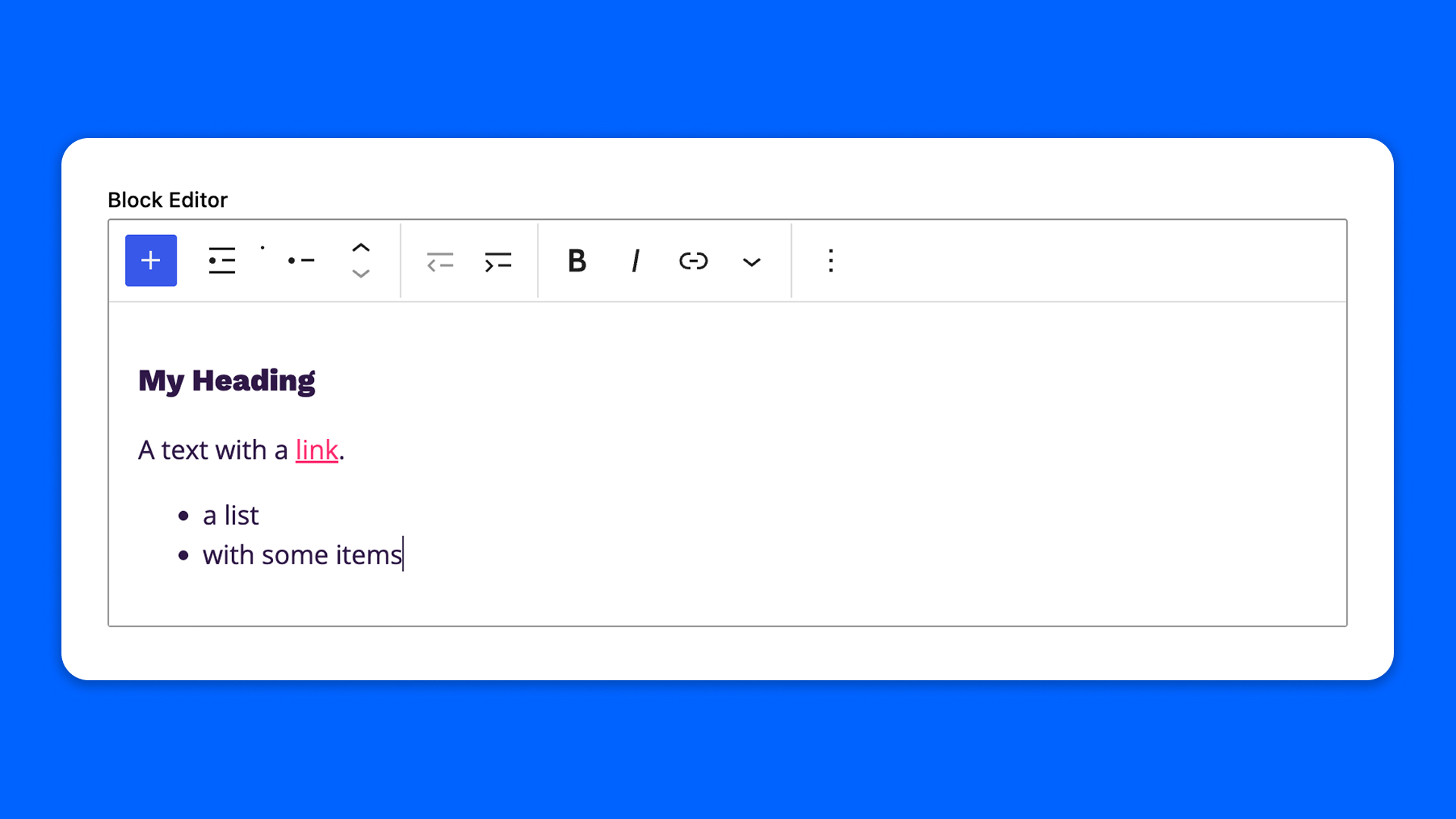
Configuration
Go to Modern Fields > Fields groups and add the Block Editor field. Its options are in the inspector, under Field options:
| Effect | |
|---|---|
| Allowed blocks | Pick among Paragraph, Heading, List, Quote, Code and Separator. Paragraph is always available: it is what an empty editor and the Enter key create. |
| Height | The minimum height of the editor, 200 px by default. The editor grows as content is added. |
| Use the theme styles | Writes in a frame that renders the content exactly as your theme does: fonts, colors and heading sizes included. The framed editor scrolls inside its height. |
Use the field
Type / to choose a block, as in the WordPress editor. The field has its own undo and redo: undoing inside it never rolls back the rest of the post.
Display the content
get_field() returns the content as rendered HTML, blocks and shortcodes resolved, ready to print in a template:
PHP
The content is filtered like post content when it is saved, with wp_kses_post, so only the HTML allowed in posts is kept.