
Well-designed options pages will simplify the experience for your users. But laying them out is not easy. Modern Fields provides a dozen ready-to-use patterns for your options pages.
Options pages patterns are only available in the pro version of Modern Fields.
Insert an options page pattern
First, create a new field group in Modern Fields > Field Group and assign it to Option pages location.
Click on the blue + button (top left of the editor) and go to “Patterns” tab. Then select the “Field groups” category.
The Modern Fields patterns will appear:
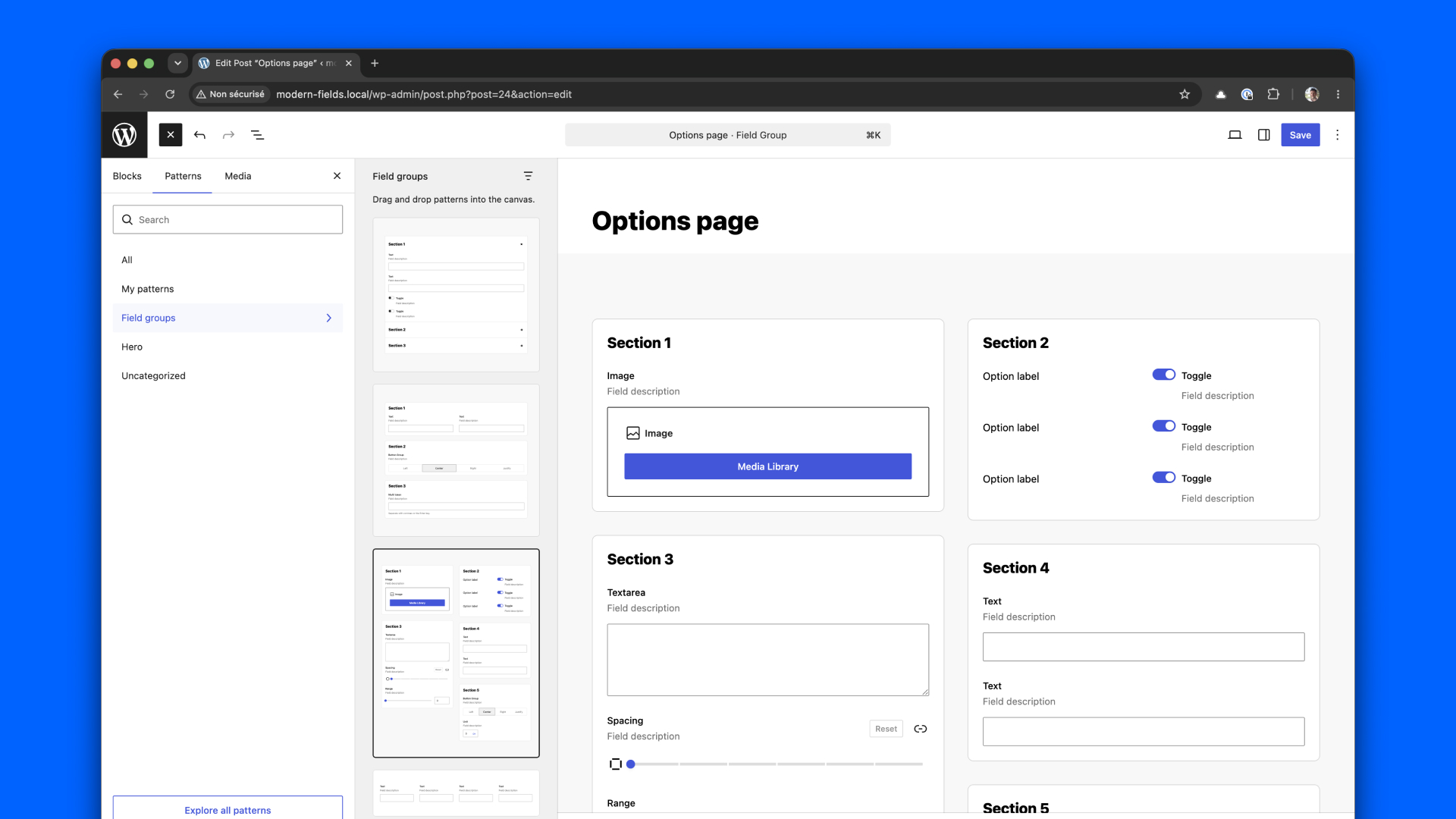
Just click on a pattern to import it. Then, you can change the field and add your own. feel free to change the design to suit your needs.
Check this video for more information:
Ready to use patterns
Modern Fields is shipped with 10+ patterns. Here are some of them:
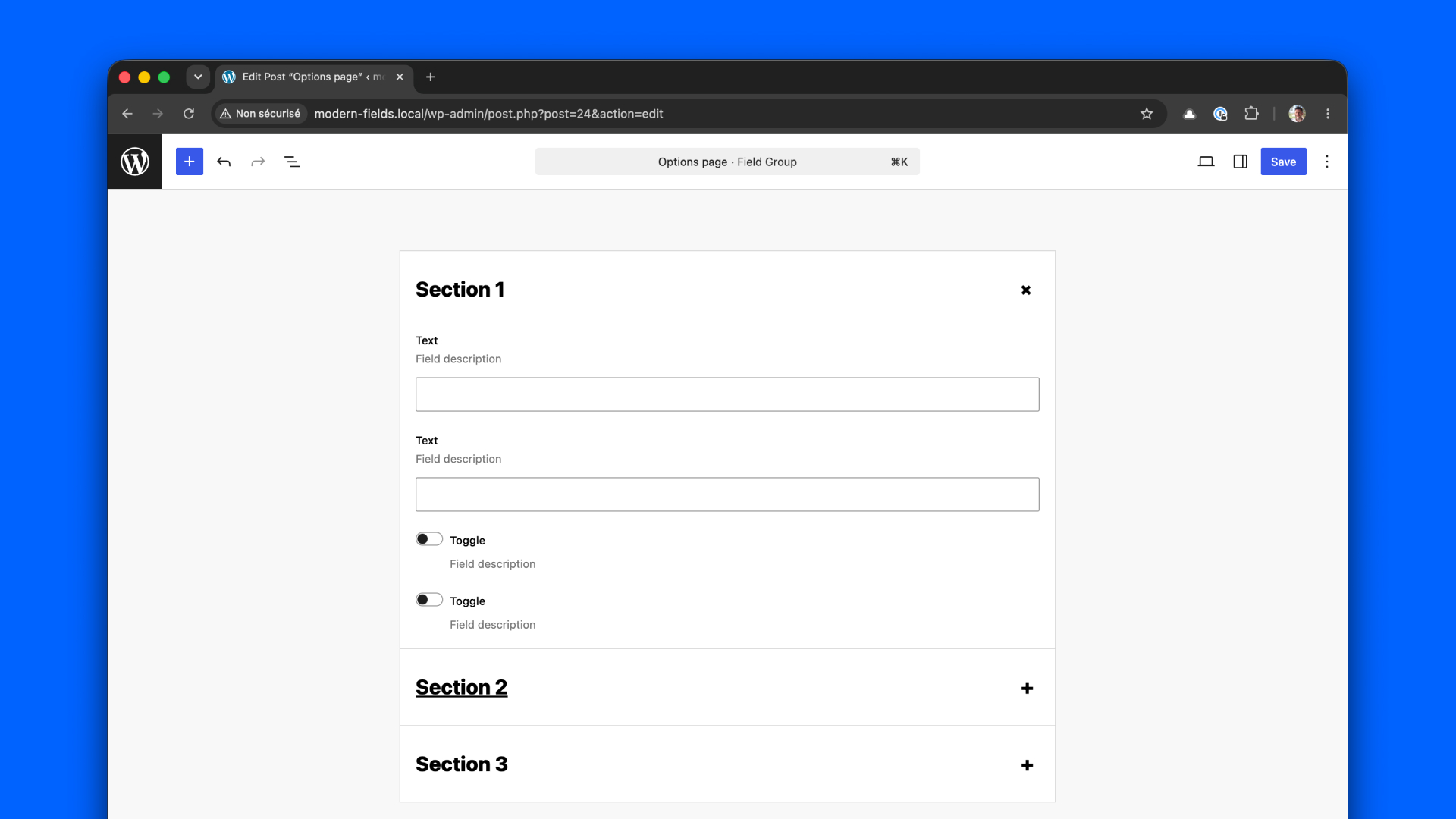
This first one uses the WordPress native accordions blocks. Useful to only show a few fields at once.
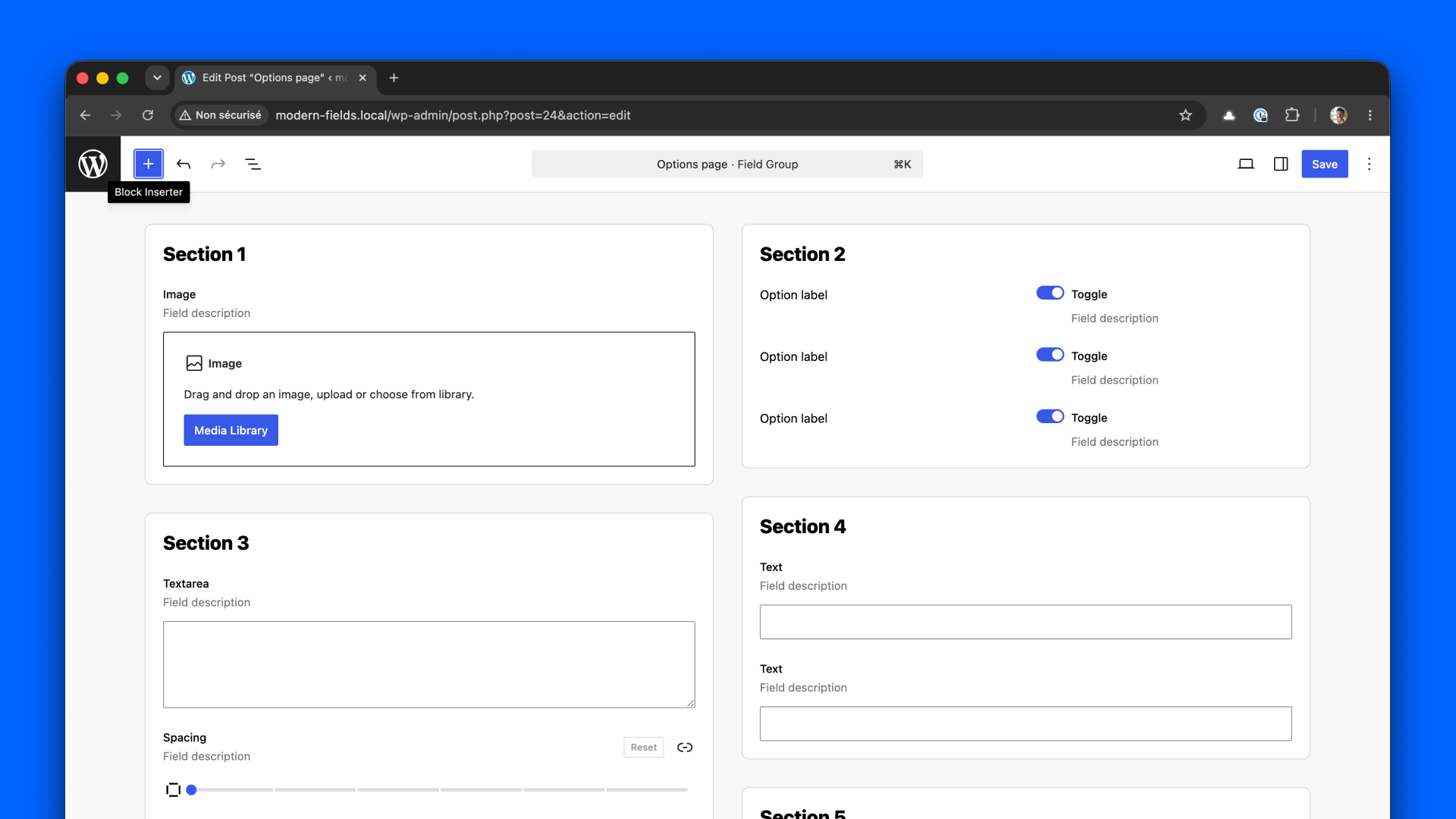
This one uses columns and groups separate fields in an elegant way, in white boxes on grey background.
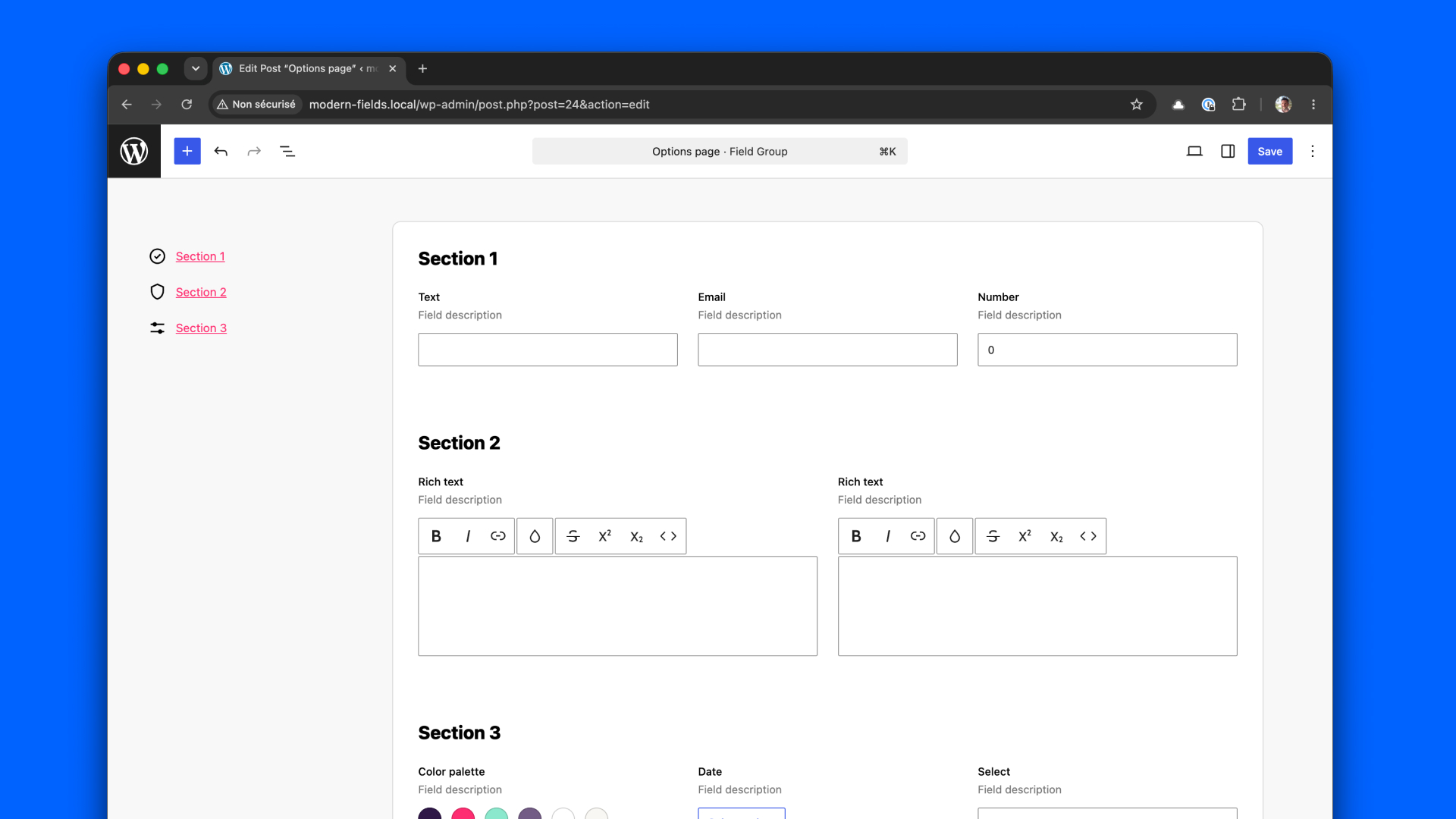
If you have a lot of fields, this pattern will help your users navigate between section with the side menu.
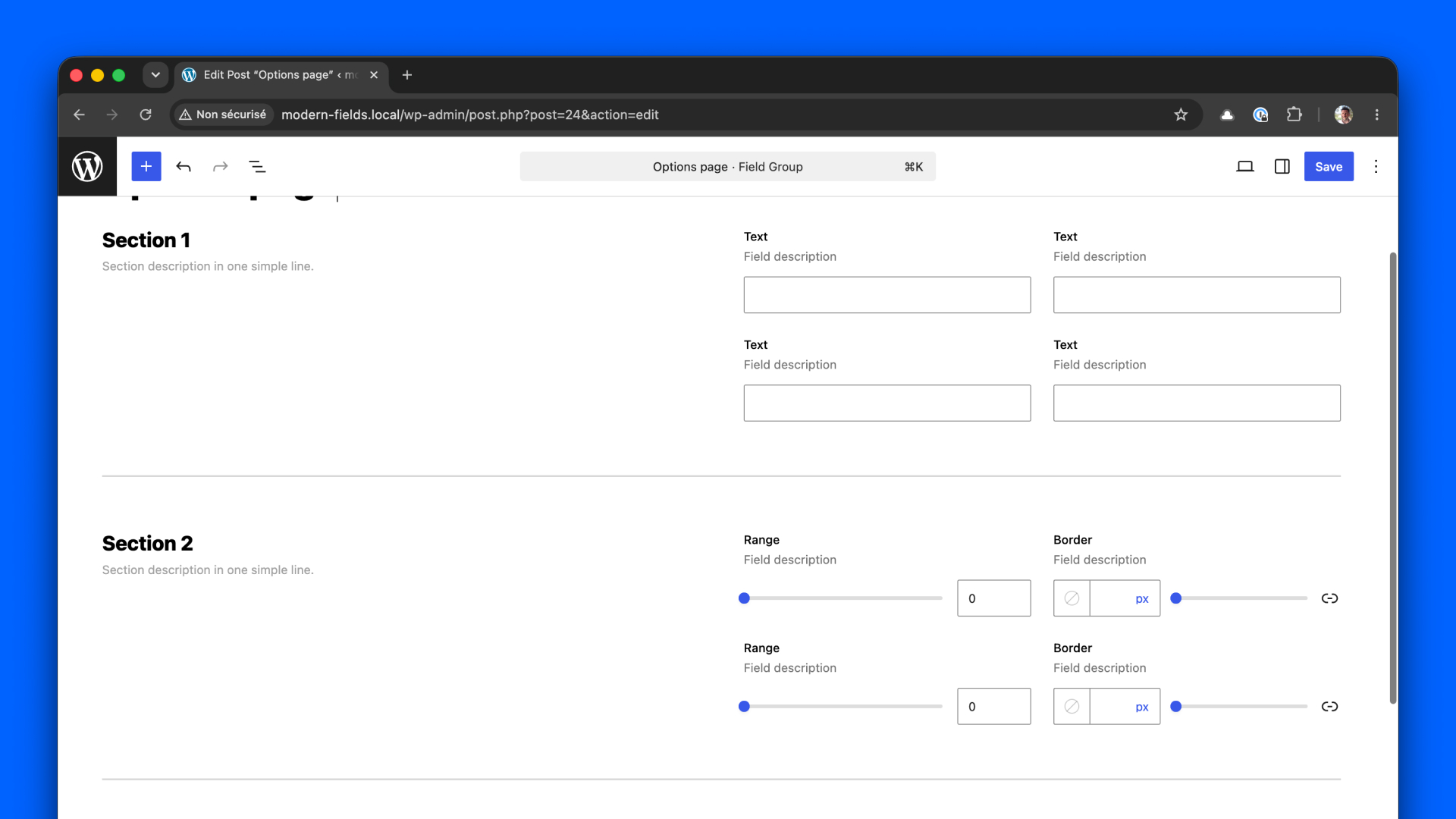
This patterns has delimited sections that helps regroup similar fields. The fields are positionned on the right on the screen, in two columns.
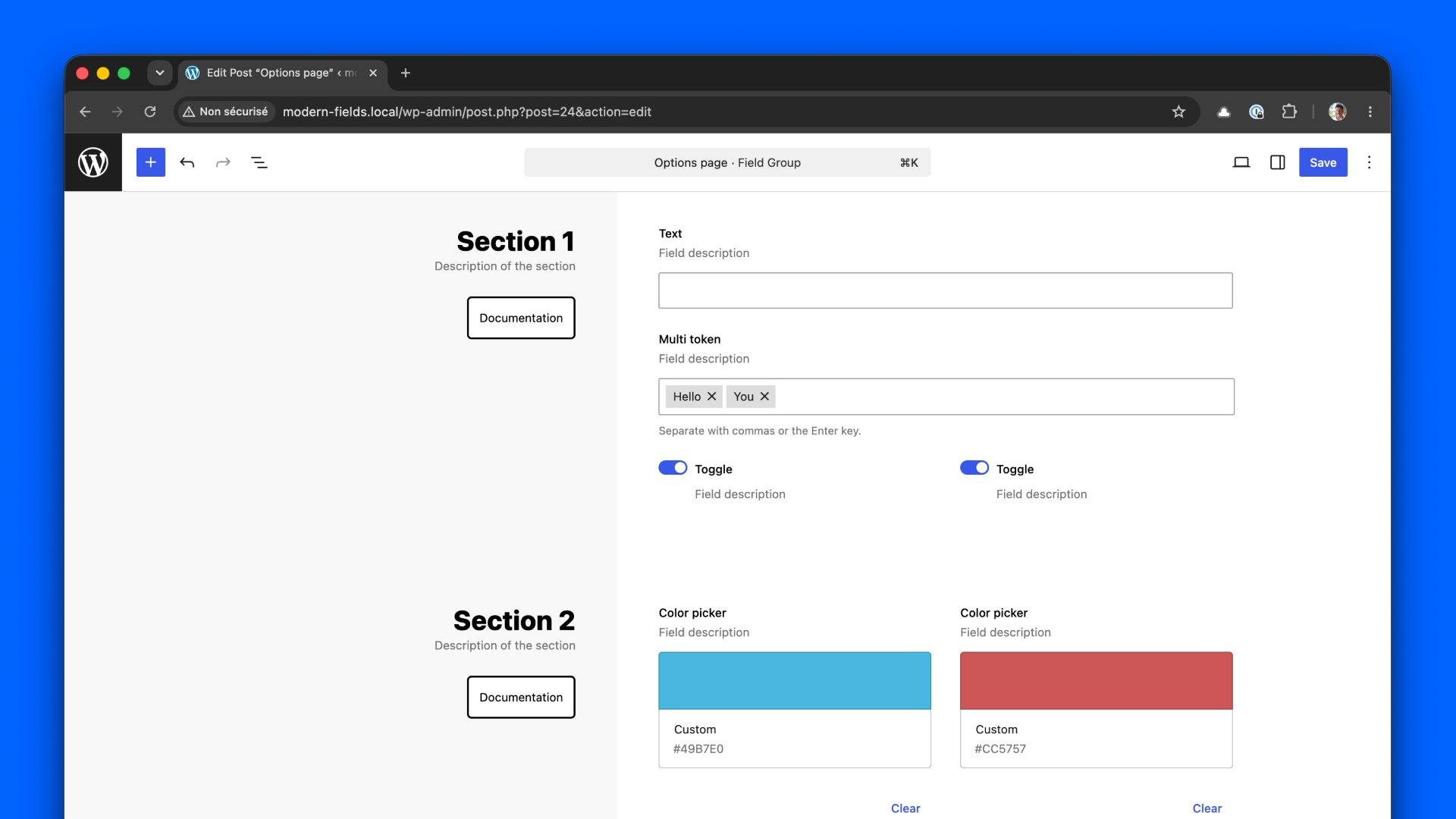
And finally, this one start with a big sidebar where you can put videos and button to your documentation.
Modern Fields is not just about field. It helps you build great UX to help your users clearly understand what they need to fill in.
Feel free to adapt these for your own needs!