
Modern Fields lets you add fields to WordPress native blocks and other plugin registered blocks, so you can add new options and customizations to them.
Fields in existing blocks are only available in the pro version of Modern Fields.
Register fields in blocks
Go to Modern Fields > Field groups and create a new group. Insert fields and assign the group to Block > Existing block and select the block from the list.
You can attach the field groups to several blocks. For example, a field for an image could be also useful in post thumbnail and cover block.
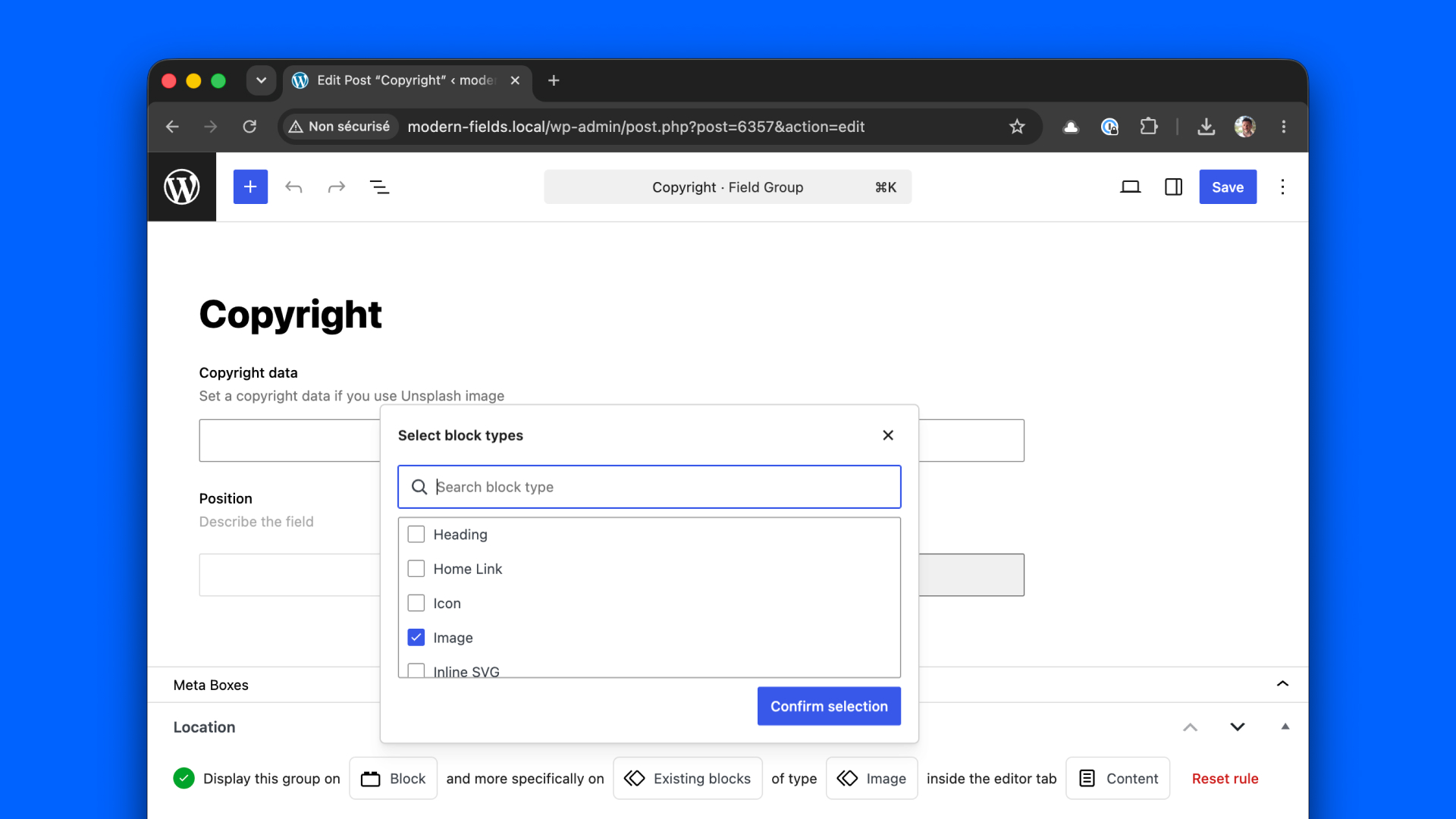
Select the tab in which you want to see your fields among: Content, Settings, Styles or Advanced.
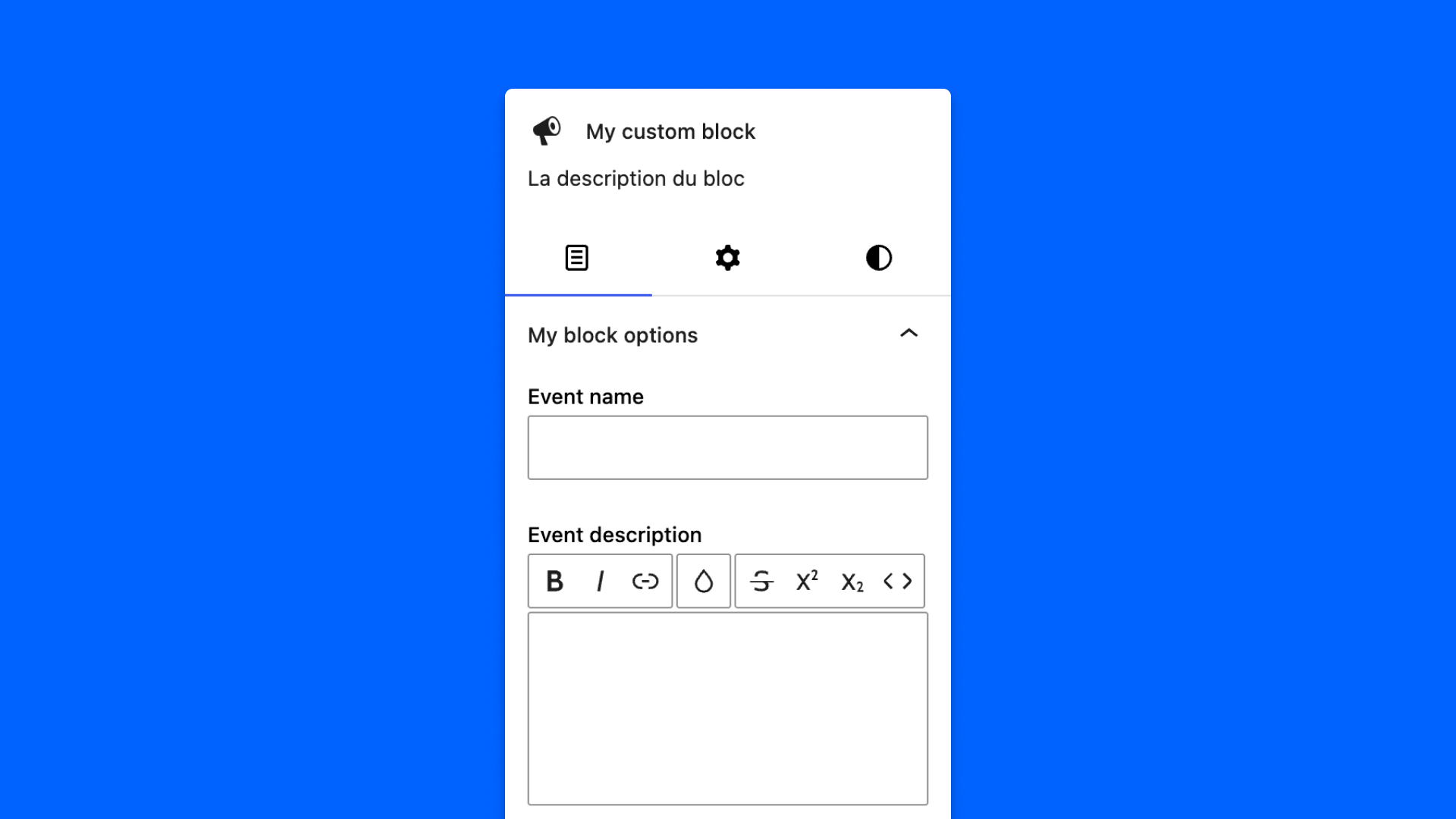
Now, you should see your fields in the block options panel.
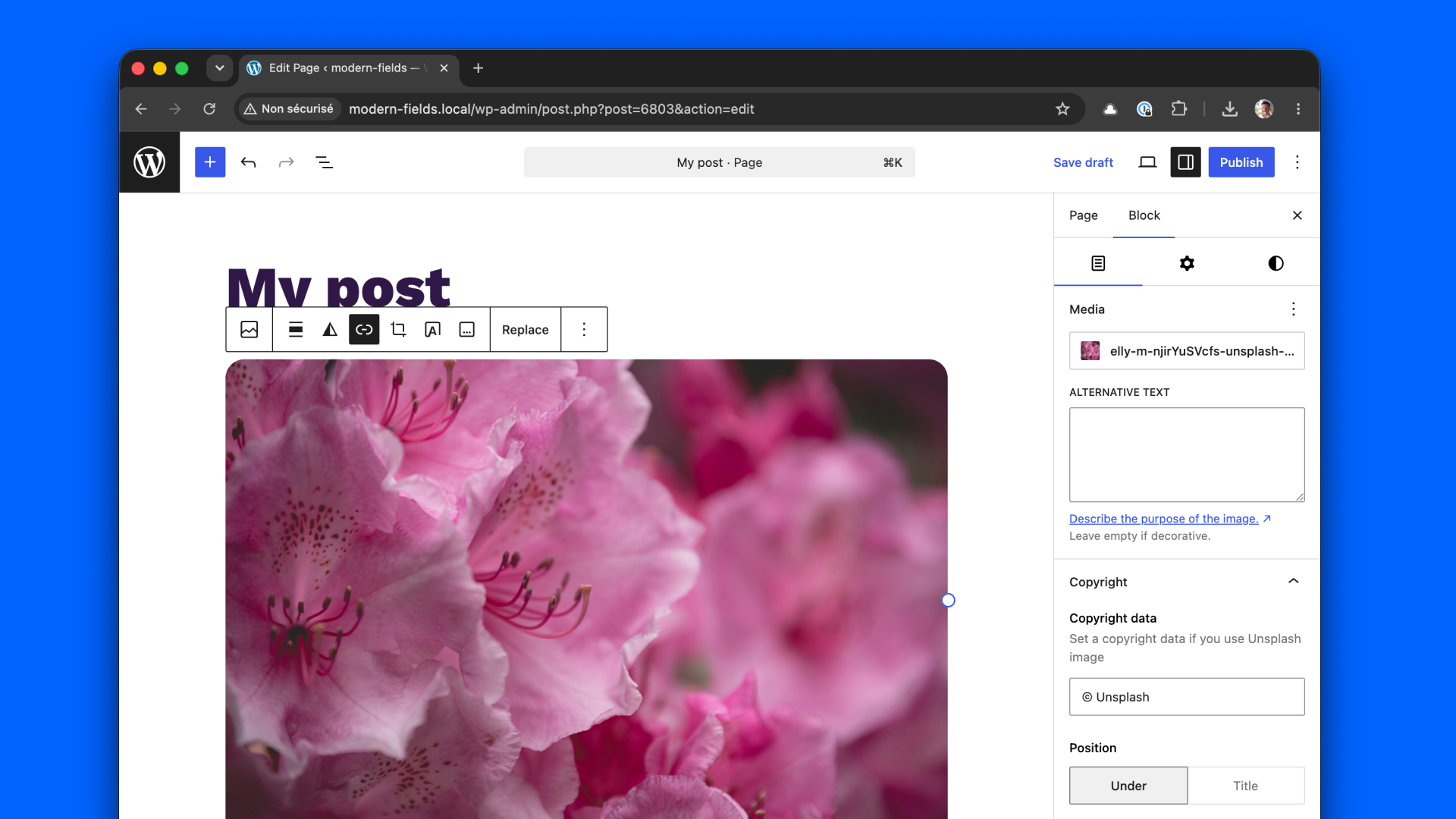
In this example, the field group is assigned to Image block, in the Content tab.
Check the result in video:
Add HTML in the rendered block
Now, you can hook the block rendering process to inject some HTML by using the WordPress render_block filter.
In this example, a caption paragraph is injected after the block content.
You can also use WP_HTML_Tag_Processor() to target a specific element in the block content.