
Modern Fields provides 2 functions to get or display values in your PHP files :
ModernFields()->fields->getField()to get a value,ModernFields()->fields->theField()to display a value.
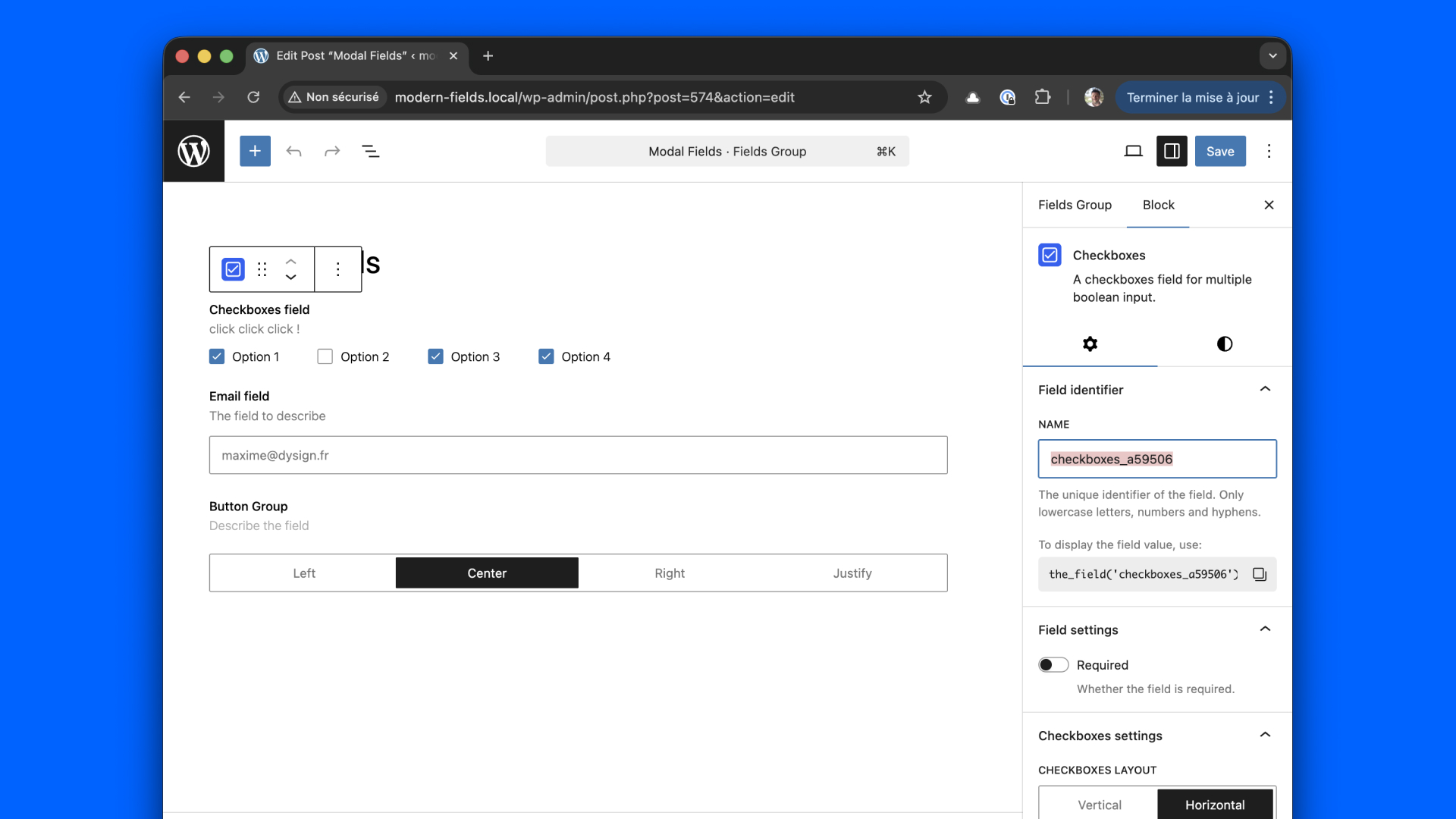
The names of the fields are automatically defined when you insert blocks into your editor, but you can change the auto generated name right away on the right sidebar.
Additionally, you can activate shorthand functions get_field() and the_value() in the Modern Fields settings panel.
If ACF plugin is enabled, these functions will be automatically disabled in Modern Fields to avoid conflicts.
Show field value in PHP
You can use the function theField() anywhere in your templates and custom blocks. Replace the first param my_field by the name of your field.
For example in a paragraph.
Get field value in PHP
You can also retrieve a value instead of displaying it.
Enable shorthand functions
Go to Modern Fields > Settings from your admin dashboard. Enable shorthand functions and save.
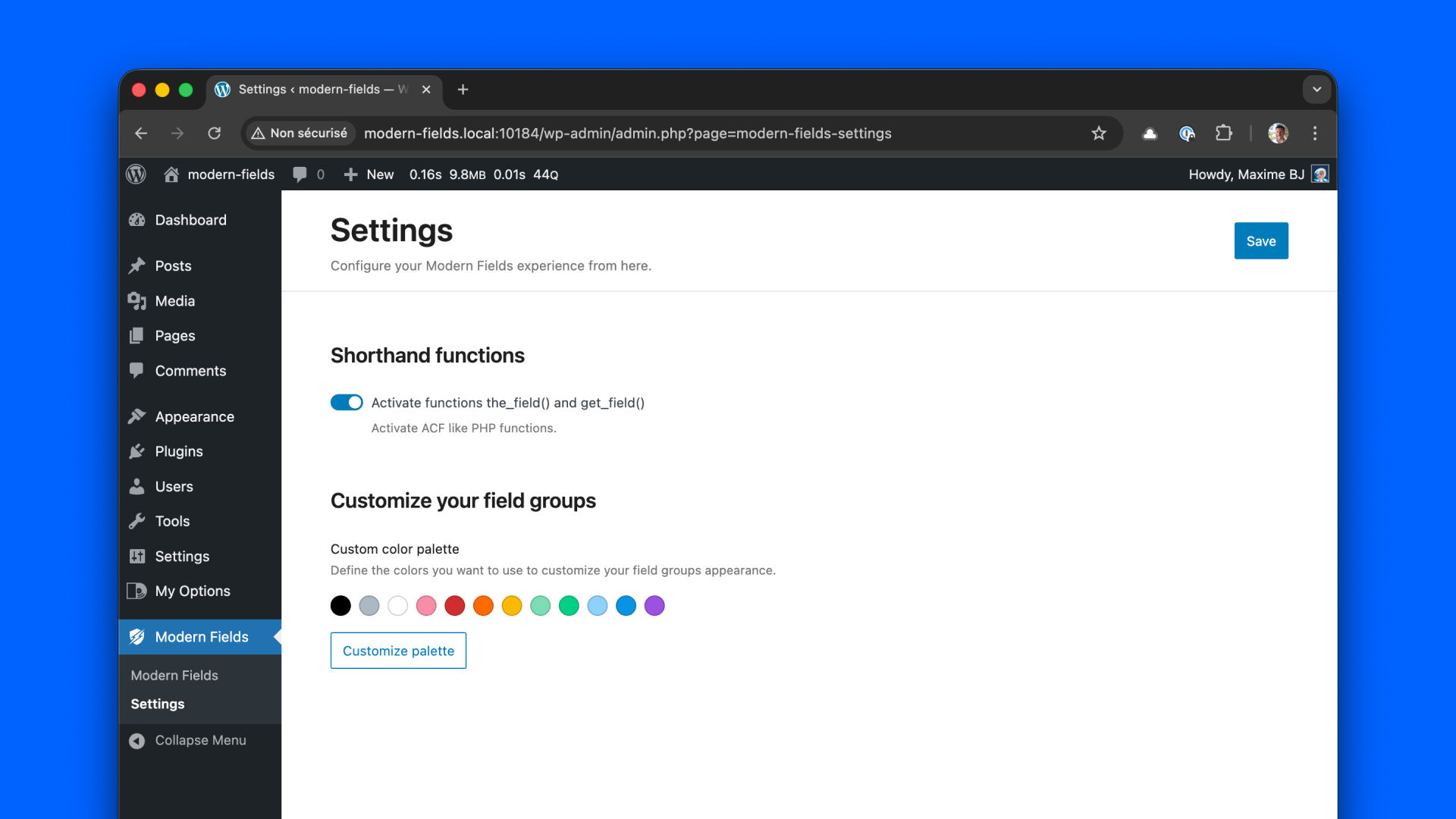
Now, you can use the Shorthand functions in your PHP files like this:
Getting values from options, taxonomies and users
The main and shorthand functions have a second parameter to get specific values as :
- From a specific post by providing its id
- From an option page
- From a taxonomy
- From a user
Here are some examples:
For taxonomies and users, you have to add the ressource id at the end of the value, for example user_12.